
For freelance web designers, copywriters, developers and everyone who works for several clients: task management for your own jobs, jobs in other people’s workspaces and the time spent on them, in one place.
name winning new work as their biggest challenge.
of working time goes on non-billable tasks on average.
hours a week is what freelancers work on average.
freelancers and self-employed people were surveyed for this.
Source: freelancermap, Freelancer-Kompass 2026, surveys from November 2025 to February 2026.
Every client works with a different tool. Your own tasks are on a slip of paper, the hours in a spreadsheet, and the client’s feedback is somewhere in your inbox.
At the end of the month the record of hours is pieced together laboriously, and too little time is left for winning new work.
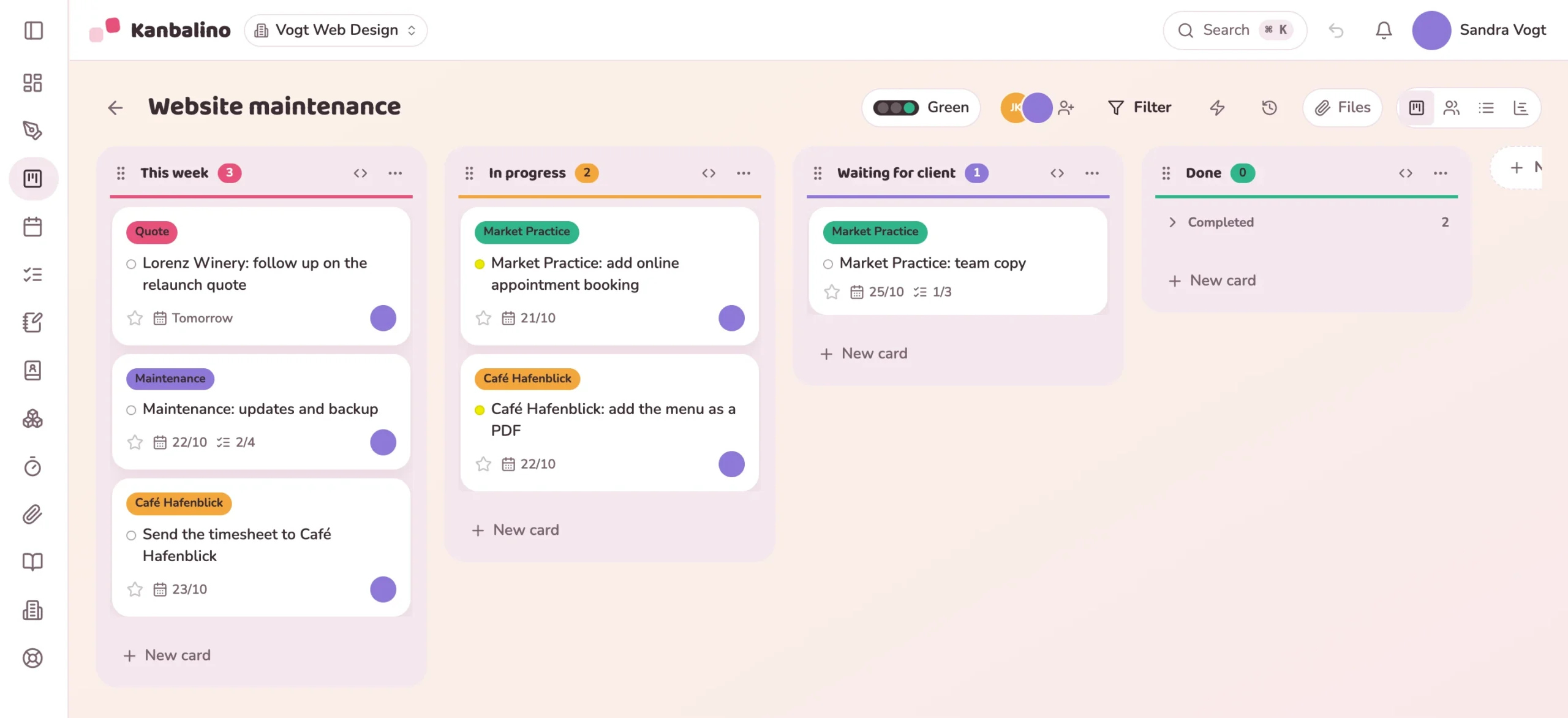
A card with the client’s label, a date and a checklist. Larger jobs get a board of their own.
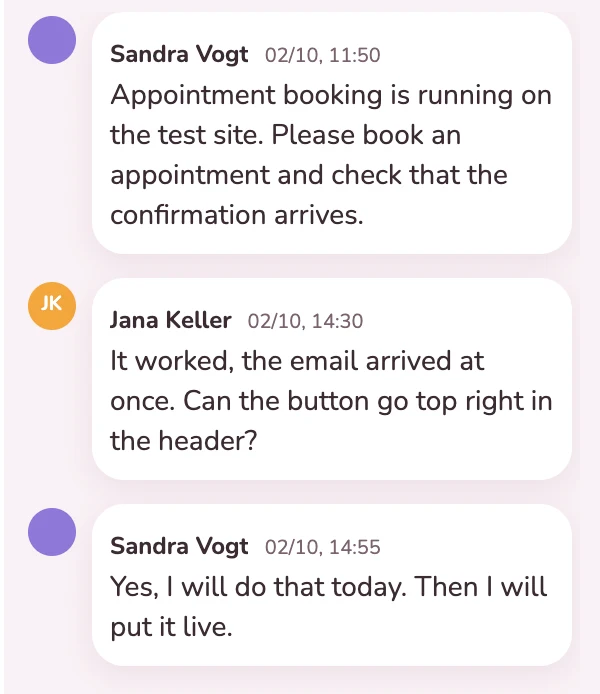
As a guest, free of charge. They see only the boards you invite them to, and write on the card.
With the timer on the card or afterwards. The timer keeps running even if you close the browser.
A client’s statement of services as a PDF, filtered by their label.
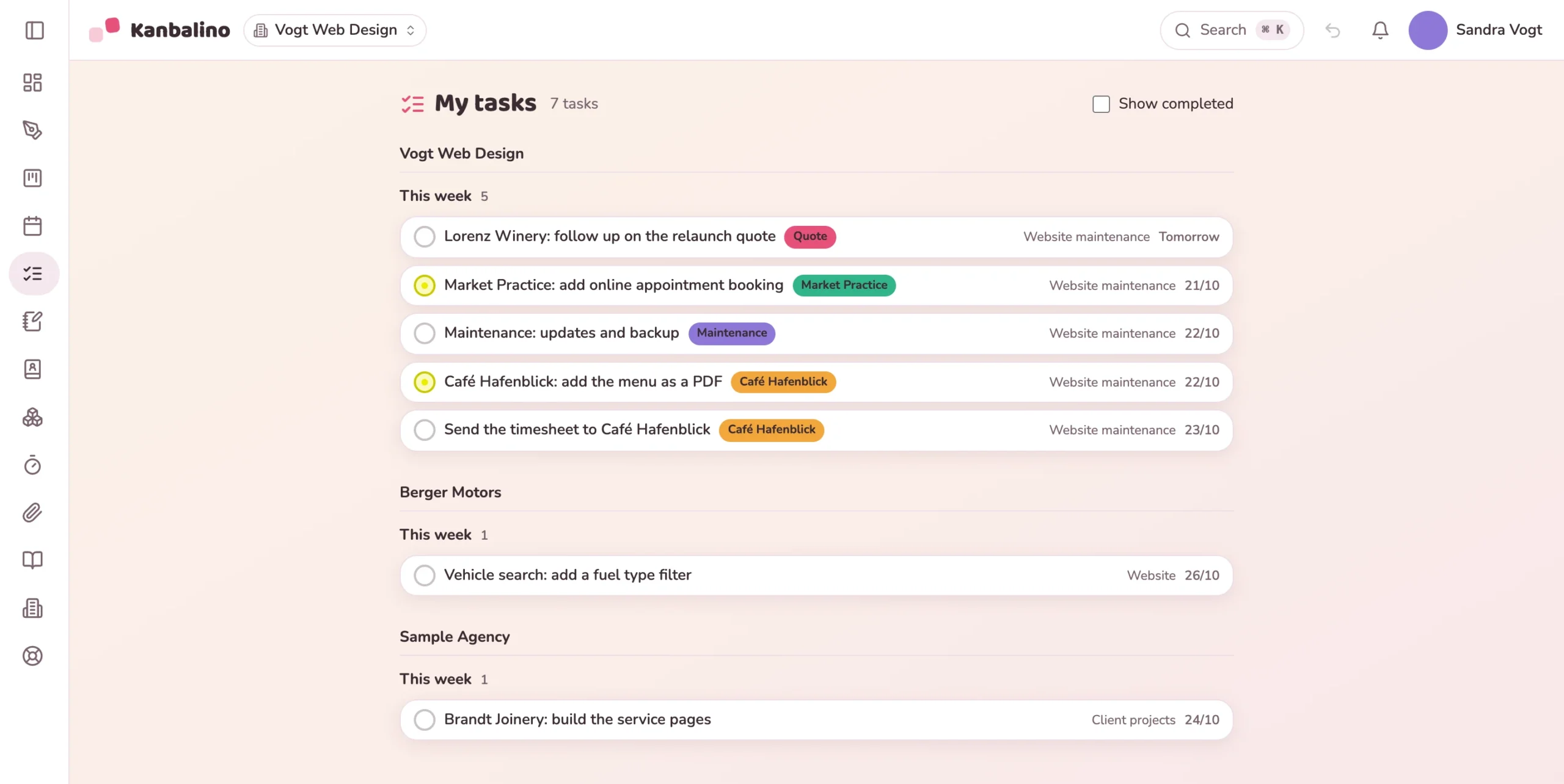
You manage smaller clients in your own workspace, and larger ones bring you into theirs. “My tasks” shows both together: what is due this week, grouped by workspace. So in the morning you know what is on, without clicking through several tools.
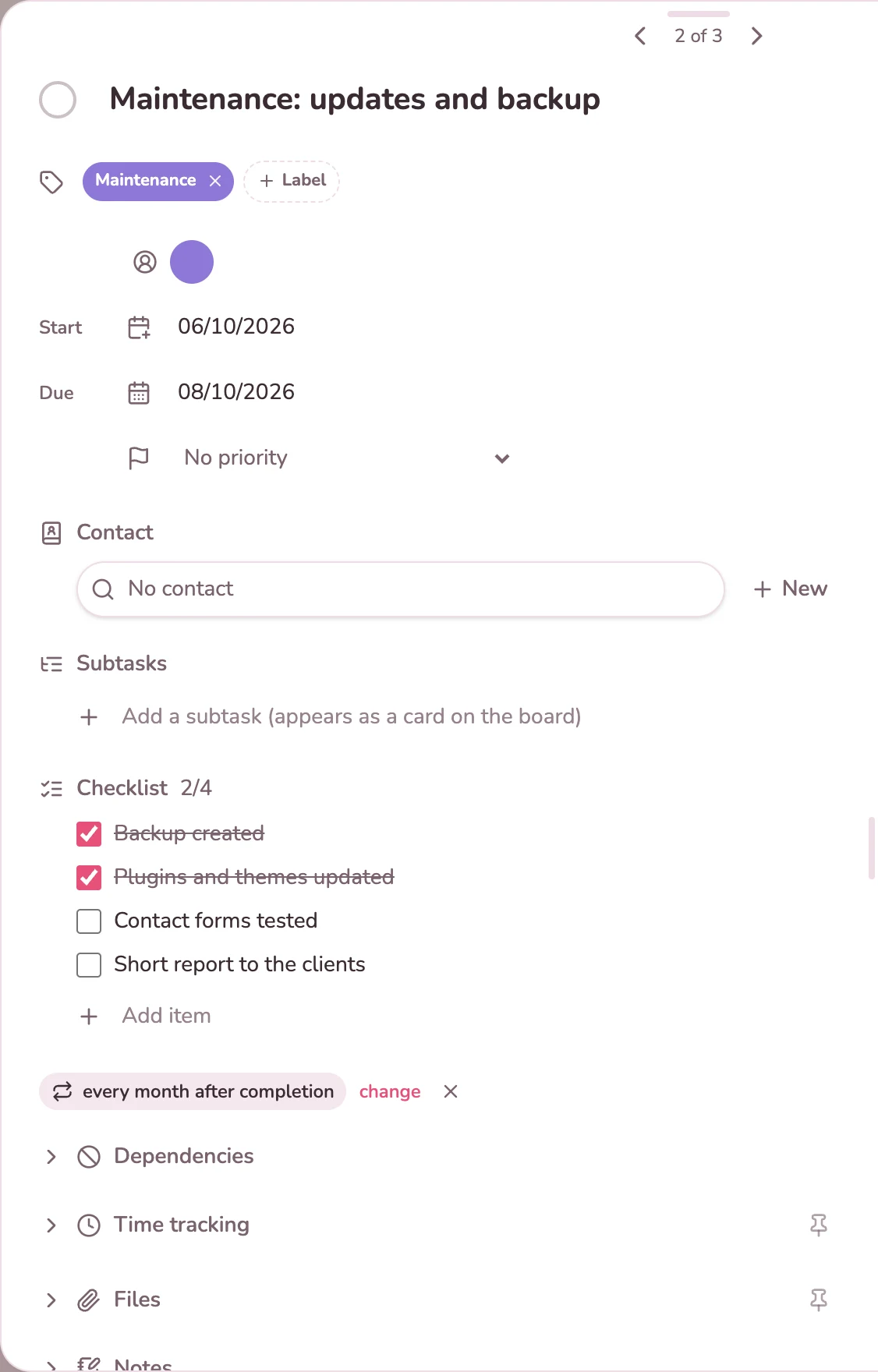
The monthly maintenance for your clients is a card with a checklist: backup, updates, test the forms, short report. Once it is done, the card for the next month is created by itself, due one month after the previous date. You track the time for it right on the card.
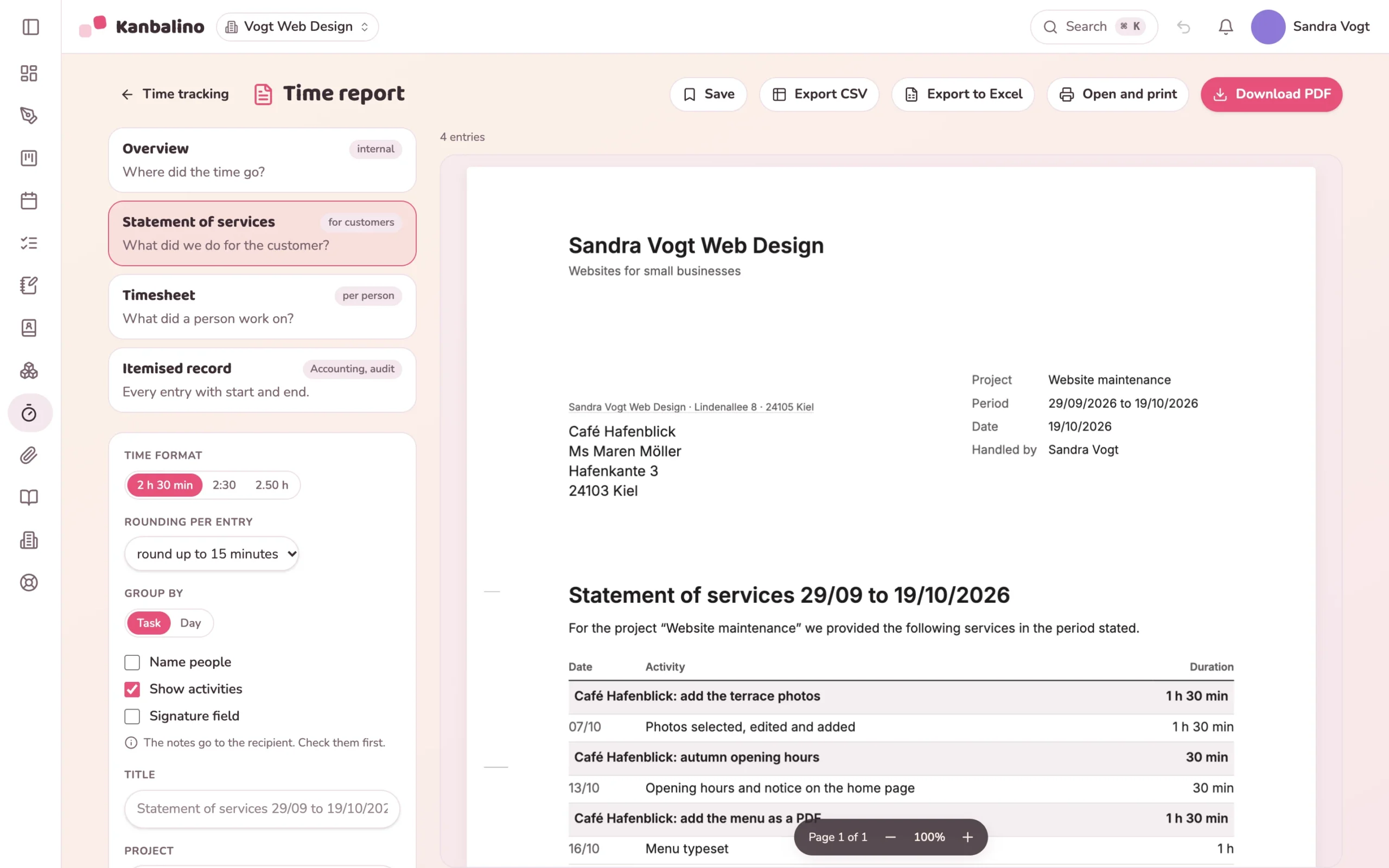
The statement of services is built from the times for one client: a letter with your letterhead, the services per task and the total. You filter by period, board or the client’s label. Kanbalino produces the PDF itself, and the times are also available as a CSV file for your invoicing software.
One list for all your clients: “My tasks” sorted by due date, and the calendar shows the week.
Learn more
Start the timer when you begin, stop it when you are done. The report filters by client and period.
Learn more
Your client comments as a guest right on the task. That costs neither them nor you anything.
Learn more
Your own workspace with three boards and 500 MB of storage costs nothing, with no trial period that runs out. Your clients work with you as guests and never pay anything, in any plan.
If three boards or 500 MB are no longer enough, Premium starts at €4.95 per person and month, billed yearly, including VAT.
It covers three boards, five people and 500 MB of storage per workspace, and guests do not count. If you manage smaller clients on one board with a label per client, you do not need a separate board for each client.
No. Kanbalino does not know hourly rates or invoices, and there is no connection to the German accounting tools sevDesk or Lexware. The statement of services as a PDF or the times as a CSV file are the basis for your invoice.
Yes. The running timer is kept on the server, not in the browser. You can stop it later on any device, including your phone.
Nothing for you. As a member you take up a seat in the client’s workspace, and that seat counts in their plan. As a guest it costs them nothing either, but then they cannot assign tasks to you.
Yes, but it costs them nothing. They sign in with the address your invitation went to and see only the boards you share with them.
With the Contacts and Sales add-ons: requests become opportunities with an amount, a win probability and a reminder, and you write emails to the client on the card. Both are included in the free plan.
Not yet. Kanbalino runs in the browser, on your phone as well, and can be added to the home screen there like an app. A dedicated app for iOS and Android is planned.
On our own server in a data centre in Nuremberg, in other words in Germany. You can secure your account with a second factor if you wish.
Create an account, set up your first board, invite clients as guests. No credit card and no trial period that runs out.