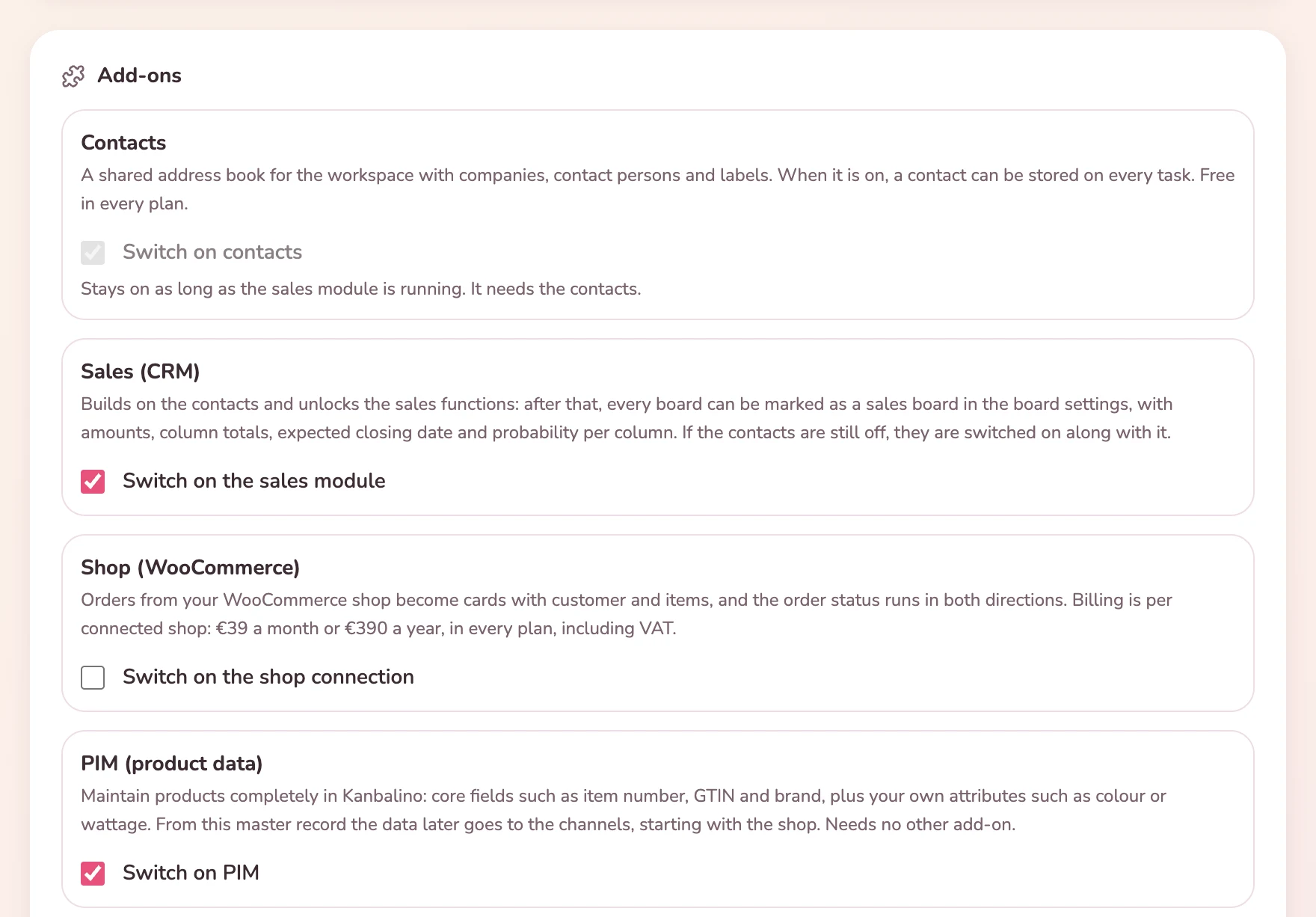
The CRM for small businesses: customers with contact people, opportunities with amount and probability, emails right on the card. From the first contact on, all in the same tool in which the work is done afterwards.
Sales lives in a spreadsheet that nobody likes to maintain. Next to it sits the mailbox with the quotes, and what needs doing next is on a slip of paper or in someone’s head. Anyone who falls ill takes the status of their conversations home with them.
When a deal comes in, the work starts all over again somewhere else, because the project tool knows nothing of what went before. A separate CRM solves that, but it costs a second subscription and an integration that will get stuck at some point.
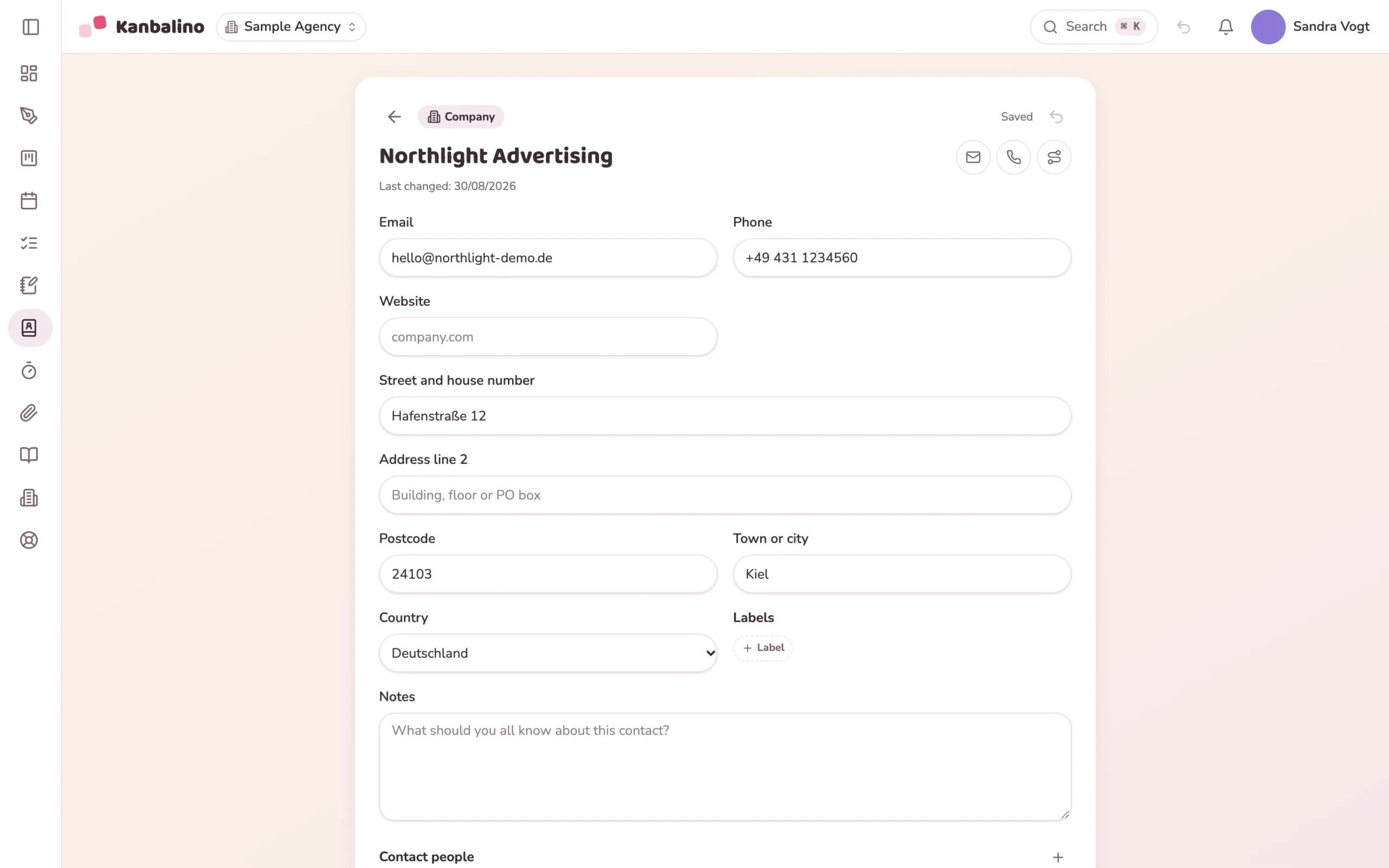
Company and contact person, by CSV import or, with Premium, straight from the form on your website.
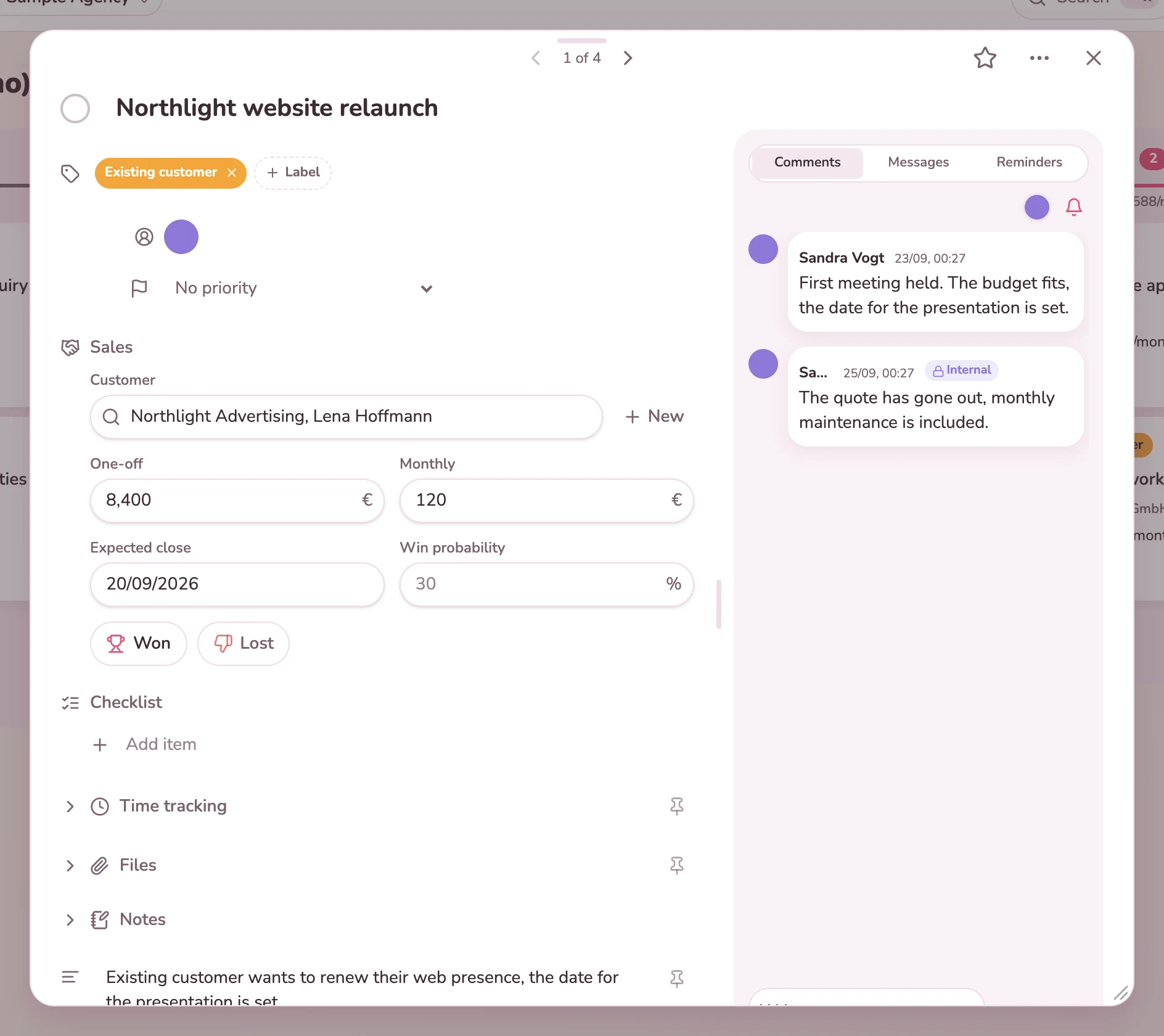
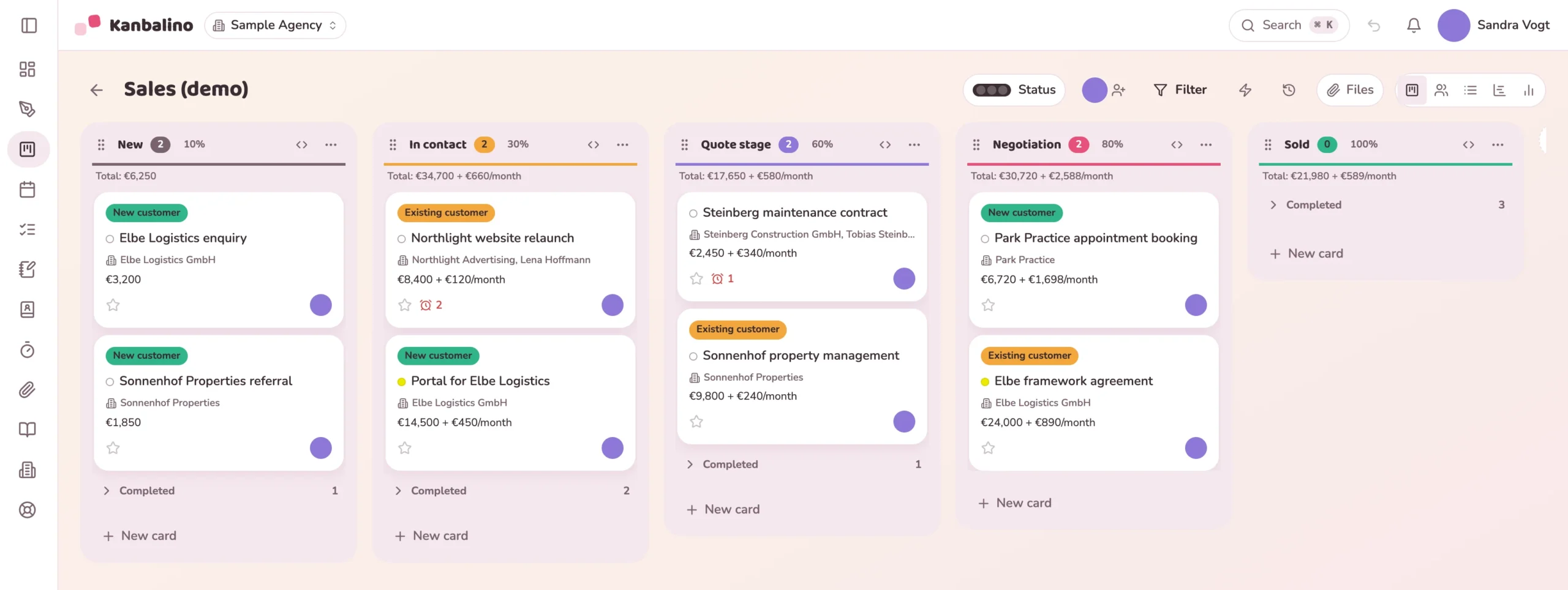
A card with customer, amount and win probability. The column shows the total.
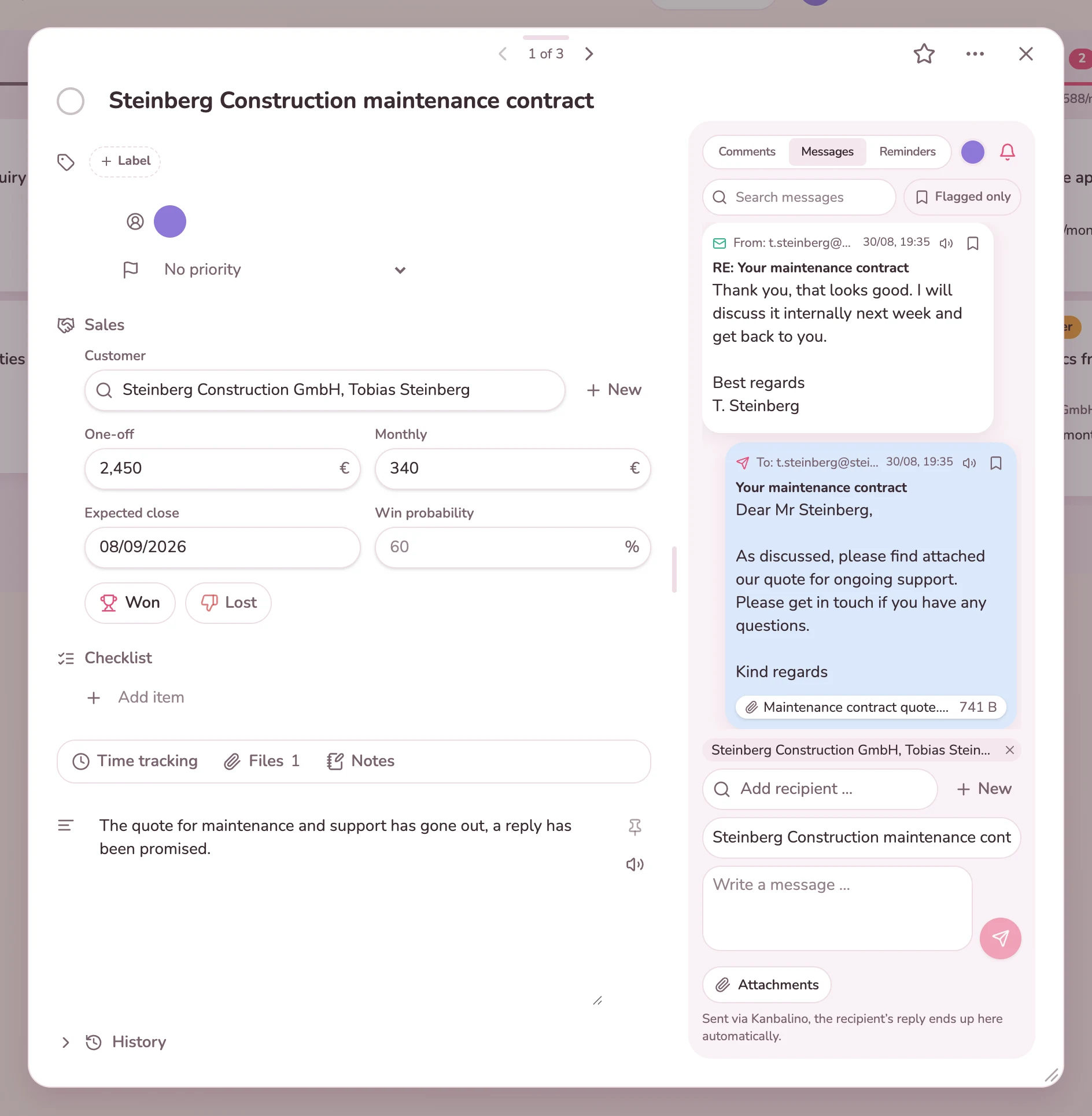
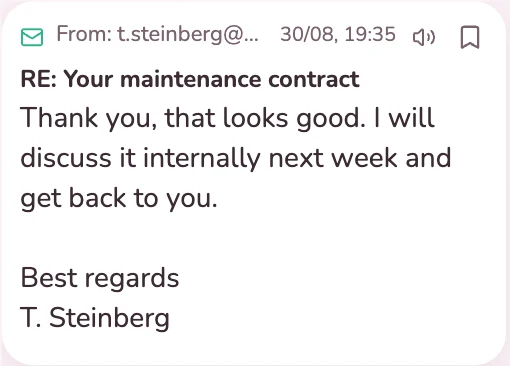
With a text template and attachments. The reply arrives on the same card.
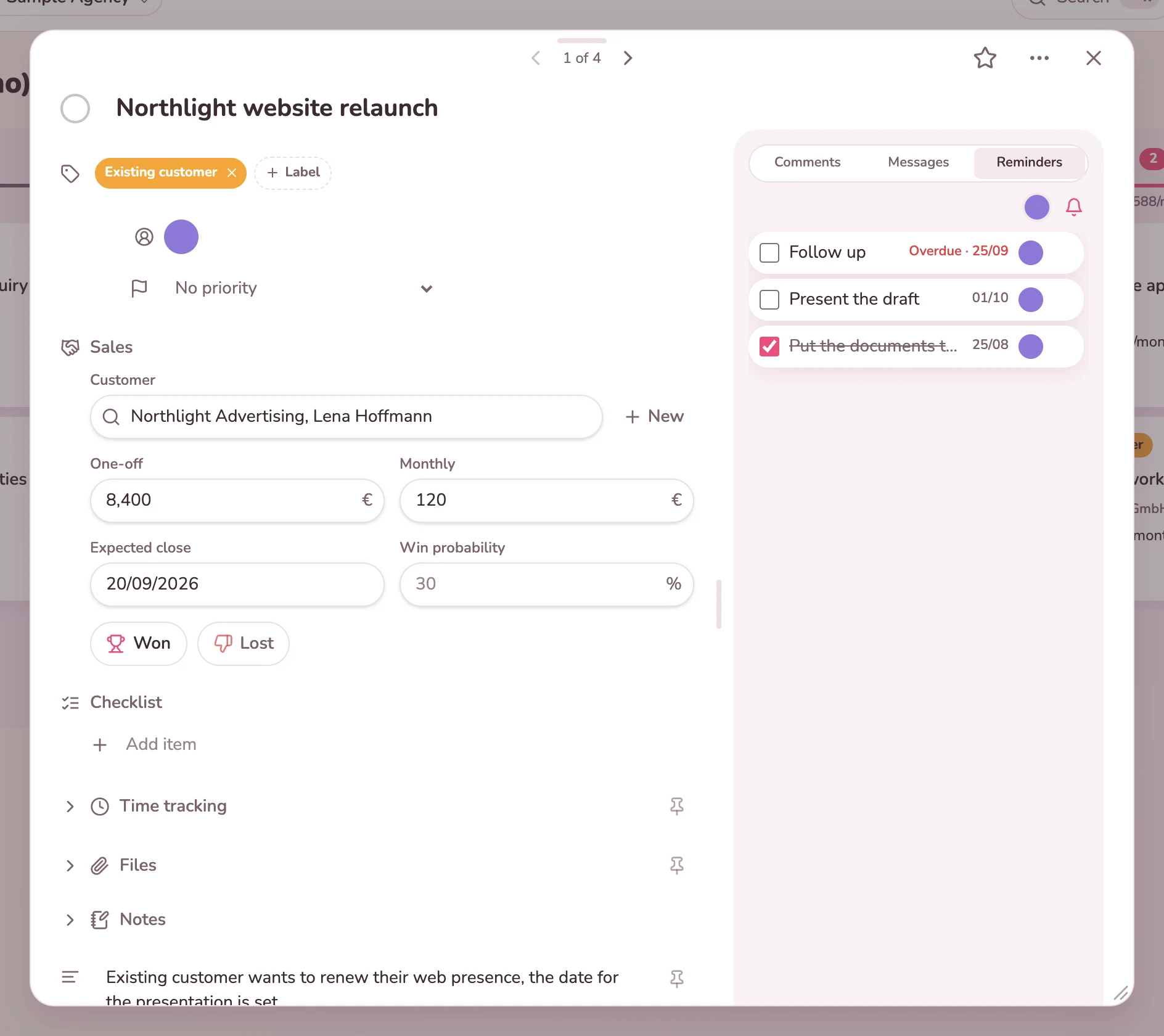
A reminder with a date and a person, on the due date via the bell and email.
The opportunity becomes a project board, and its history moves along with it.
The pipeline is a perfectly ordinary board. Labels, assignees, filters and the quick search still apply.
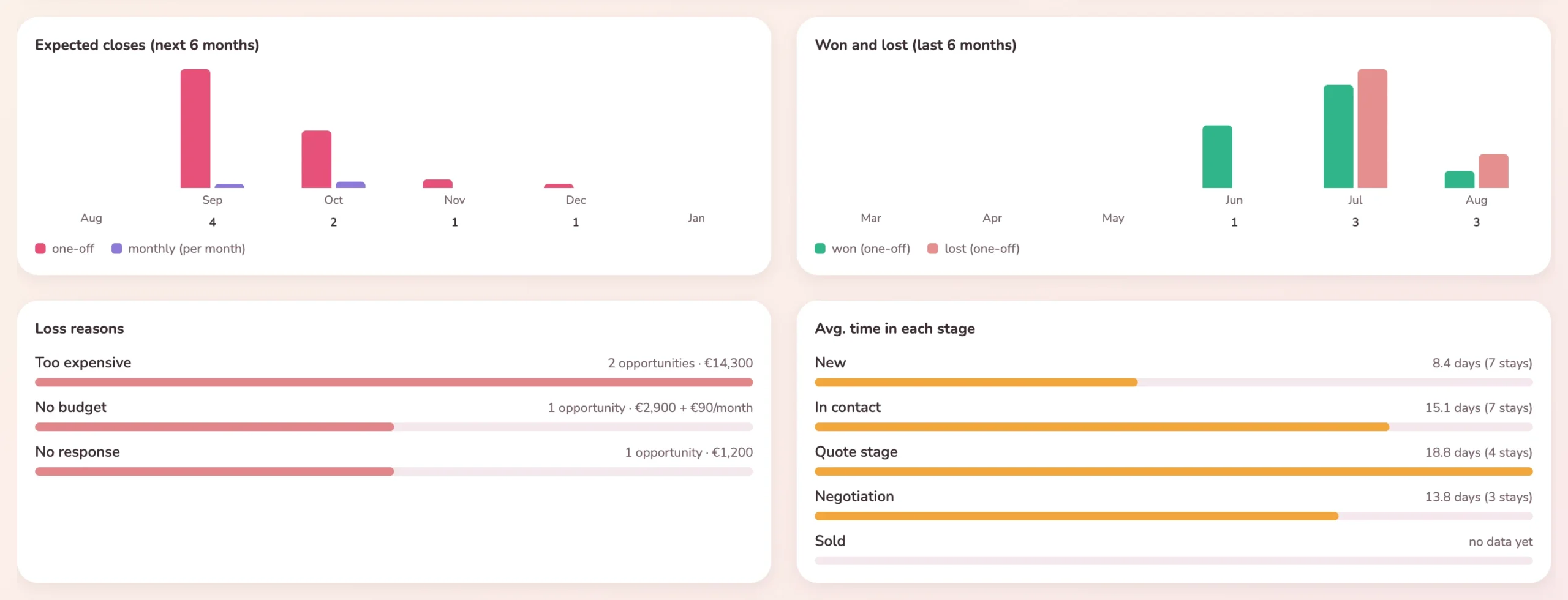
How much is in the pipeline, how much of it will really come in, and why do the others fall through? You reach it via the chart icon at the top right of the board.
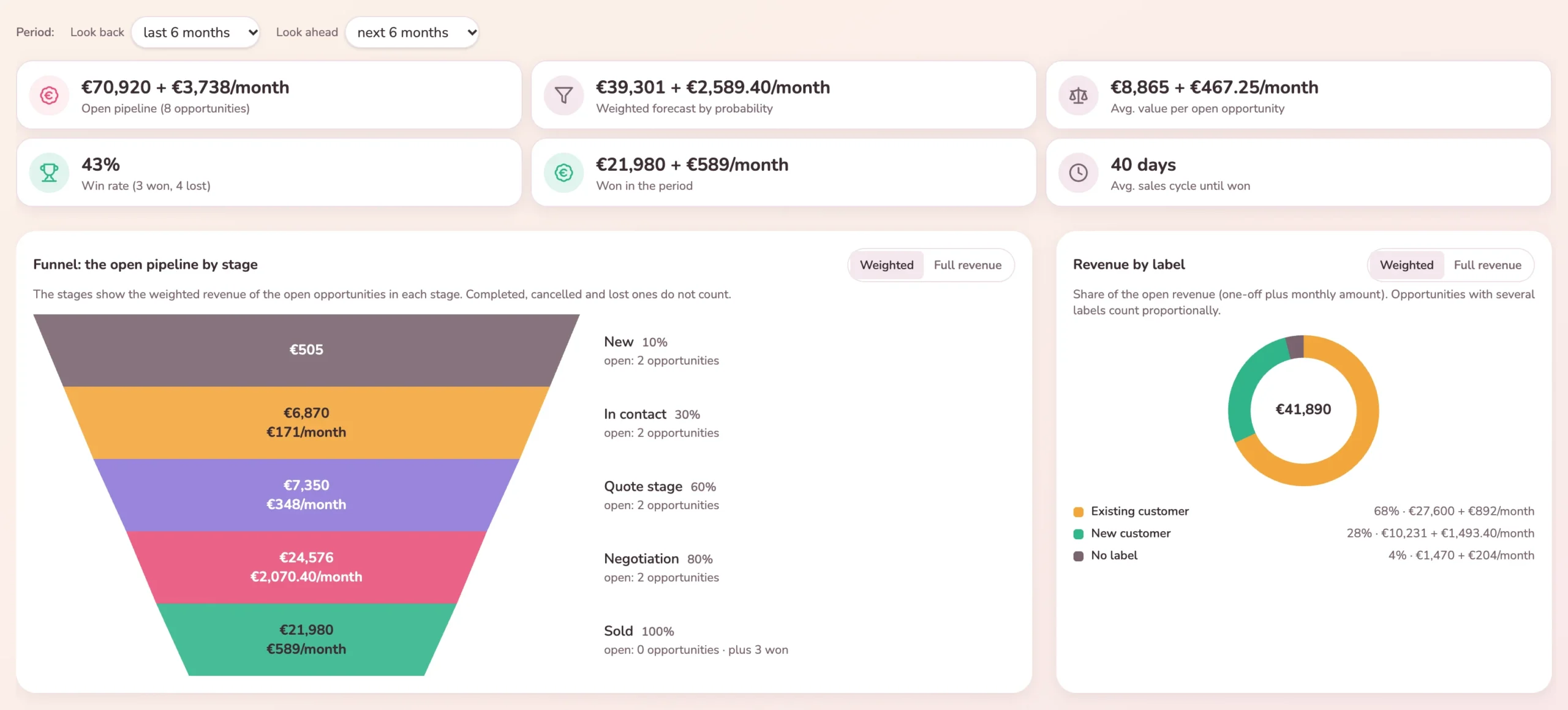
The revenue of the open opportunities per stage, switchable between weighted and full.
You maintain the list yourself. The dashboard shows what most often costs you deals.
The average time per stage, calculated from the history of the board.
Customers and partners join the project board that is created from the won deal: for free, in unlimited numbers.
No. It is switched off by default. Only when you switch it on do contacts and sales fields appear, and even then only on the boards you have marked for it.
Yes. Kanbalino reads CSV files and provides a template. Before the import you see what will happen: how many rows will be created, how many updated and which ones skipped.
Yes, with Premium and the Tickets / requests add-on. You create a form, give a category such as “Request a quote” your sales board as its target and put the form on your website with a short piece of code; for WordPress there is a plugin. Every request becomes a card in the column you choose, the sender becomes a contact and thereby the customer on the card, and they receive a confirmation. You write replies as usual in the “Messages” tab. More about Tickets / requests
No. Guests cannot be invited to a sales board at all, because there they would see the titles of all the opportunities in progress. Customers and partners only join the project board that is created from the won deal. There they see their own matter, comment along and get to see neither amounts nor the customer records nor internal notes.
You are offered the option of creating a project board from it. The communication of the opportunity moves along with it, including author and time. The two cards link to each other.
Not on the board: the column total is the plain sum of the amounts in that column; the probability is only shown next to it. In the dashboard you have both. There the weighted forecast is a key figure, and the funnel can be switched between weighted and full revenue.
From the history of the board. Every change of column is logged anyway, and from that Kanbalino calculates the average time in each stage. You do not have to maintain anything extra for it.
The web application can be used in a phone browser and can be added to the home screen. A dedicated app for iOS and Android is planned.
Create an account, switch on Sales, create your first board from the template. No credit card and no trial period that runs out.