
For agencies, IT service providers, software vendors and trade businesses: your customers report faults and wishes via a form or by email, with no account at all. Every report becomes a card on your team’s board, and the customer sees how far along it is.
emails arrive in a business inbox every day on average.
had to ask customer service several times about the same matter.
are regarded as the standard for a reply to an email, according to two thirds.
see service as the deciding factor in whether they buy again.
Sources: Bitkom, press release of 13 January 2026, 532 working internet users, surveyed by telephone by Bitkom Research in October and November 2025; Kundenservice-Barometer 2025 by Kundenservice des Jahres, a survey representative of the population, CCV report of 8 October 2025.
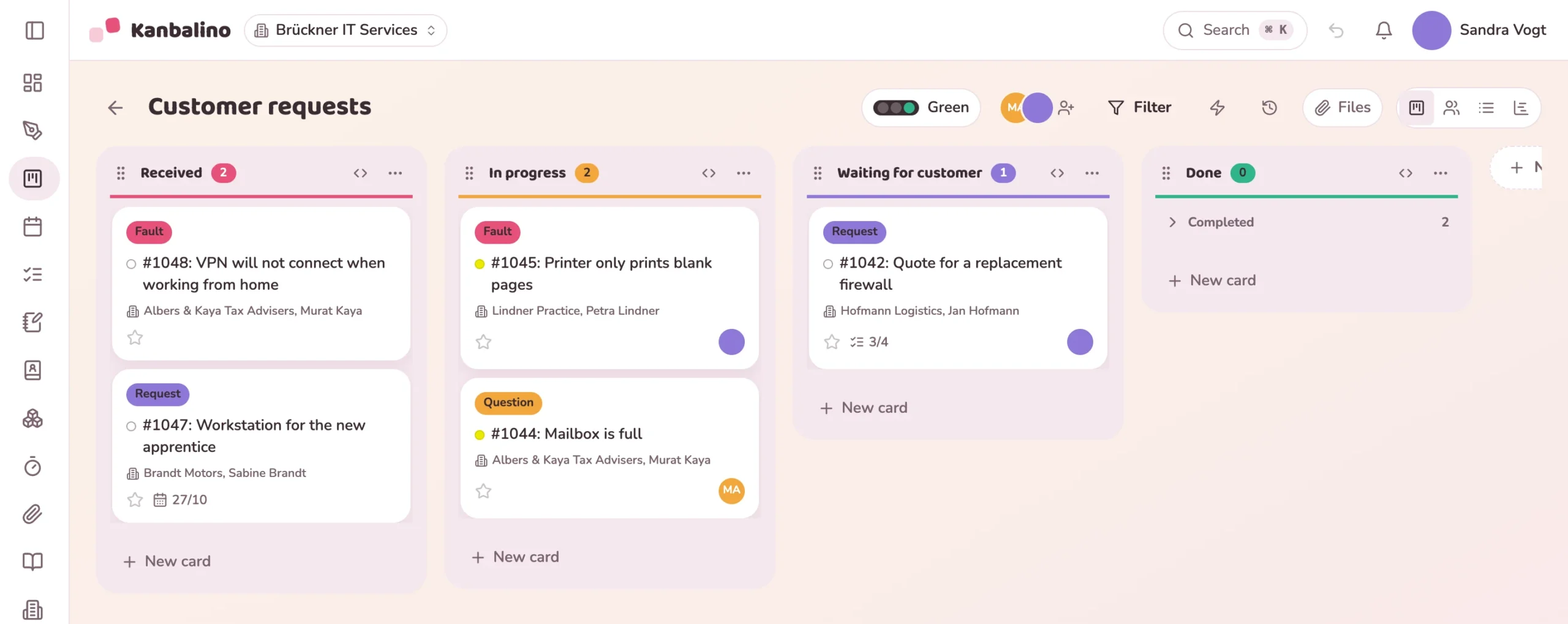
Requests come by email to the shared address, to individual employees, by phone and via the contact form on the website. Who looks after them is settled by a shout across the office, and what comes in on Friday is somewhere in the inbox on Monday.
If the customer asks, someone goes looking for the last email, the colleague who last worked on it, and the time that has already gone into it.
The customer sends the form or an email. This becomes a card with a number, and they receive a confirmation.
The person you have set for the category or the board is assigned the request and gets a notification.
Follow-up questions and the solution go out as an email from the card. Below that, the team coordinates in comments.
The card moves to the last column, and the status page shows the customer “Done”.
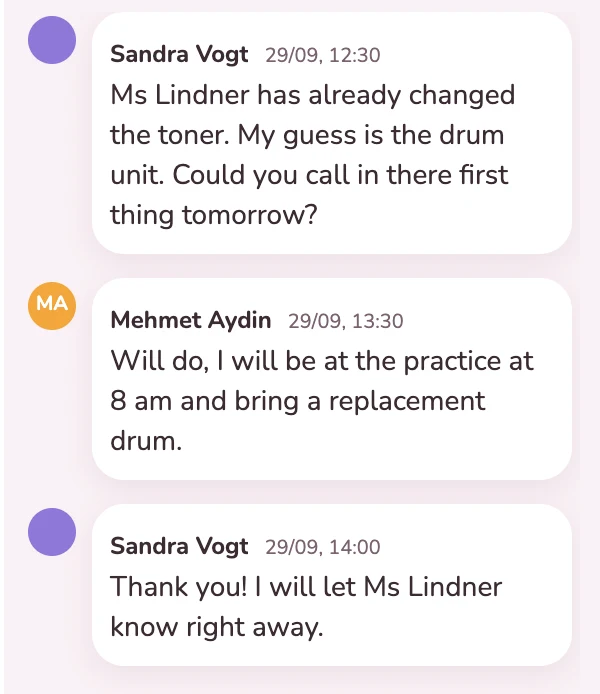
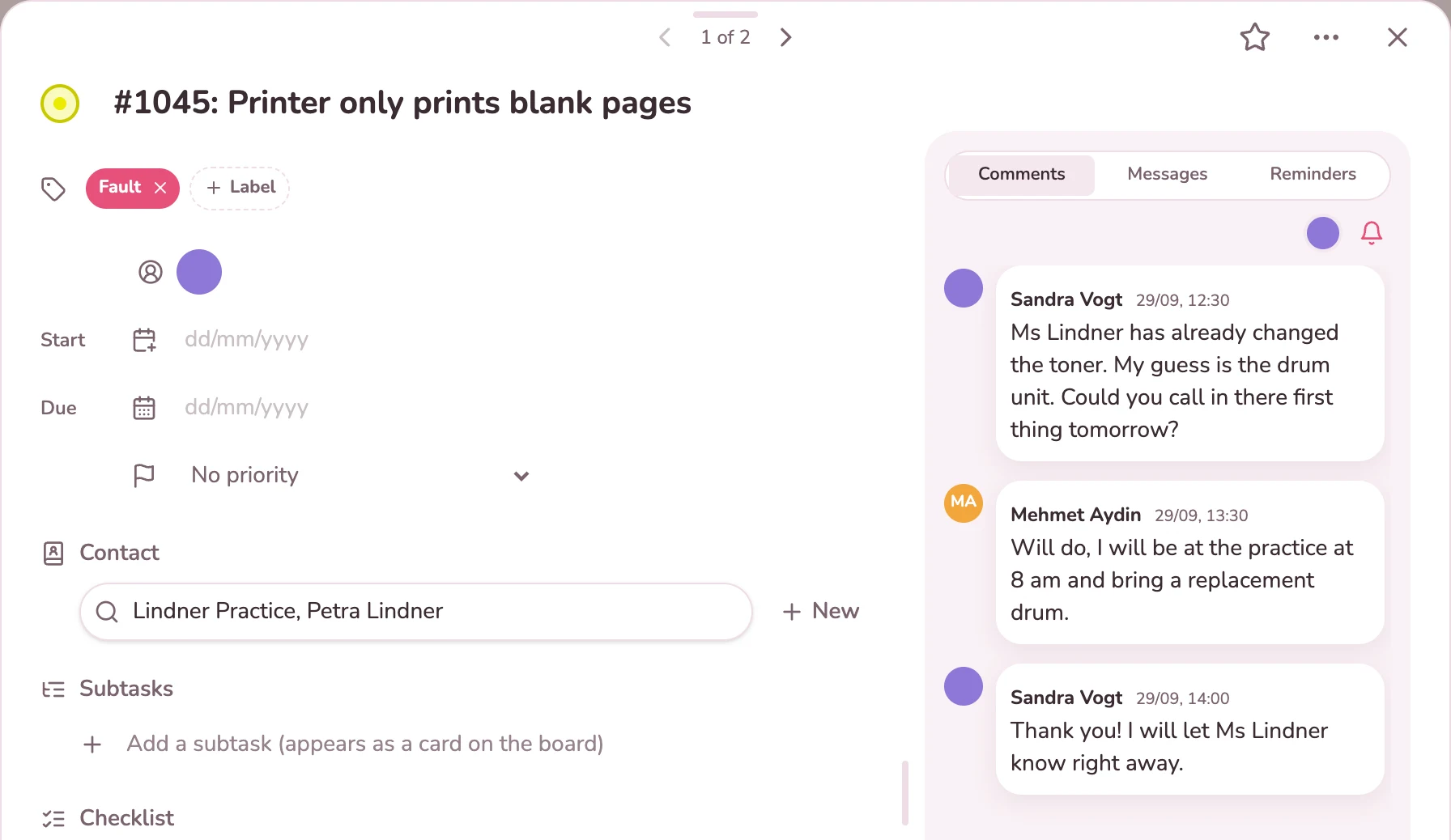
The title carries the number, the description the customer’s text together with category, sender and company. The customer is attached to the card as a contact; images from the form and attachments from the email are in its files. Below that your team coordinates, with name and time.
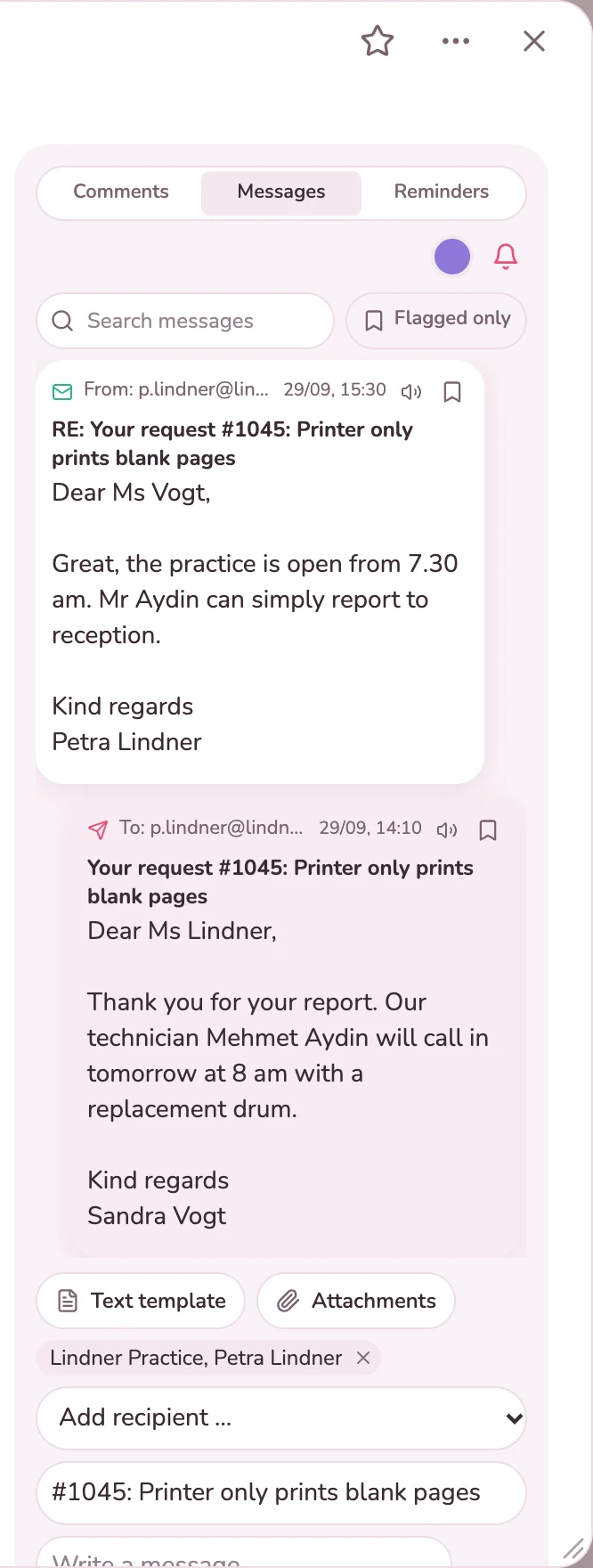
In the “Messages” tab you write to the customer directly from the card, with your name and the name of your company. If they reply, including to the confirmation, their email arrives on the same card, and everyone in the team sees the status. You save frequent replies as text templates.
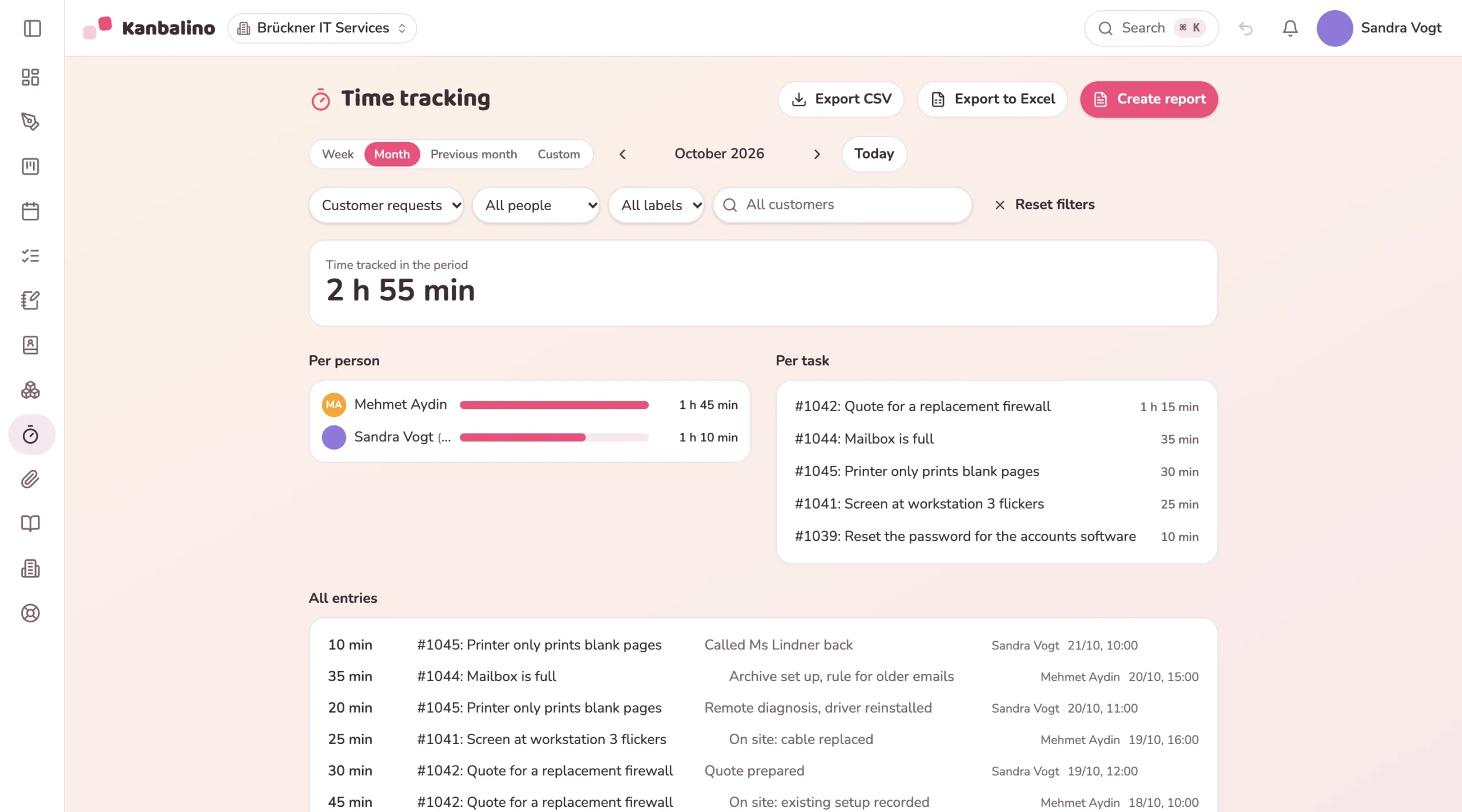
You track the time per request with start and stop on the card, or add it afterwards. Time tracking shows it per person and per request, filtered by board or customer, and turns it into a statement of services as PDF if you wish.
With the confirmation the customer gets a link. The status page shows the number, subject and date and whether the request has been received, is in progress or is done, read from the column of the card. They do not see comments, the board or the columns. You place the form on your website with a short piece of code; for WordPress there is a plugin. More about Tickets / requests
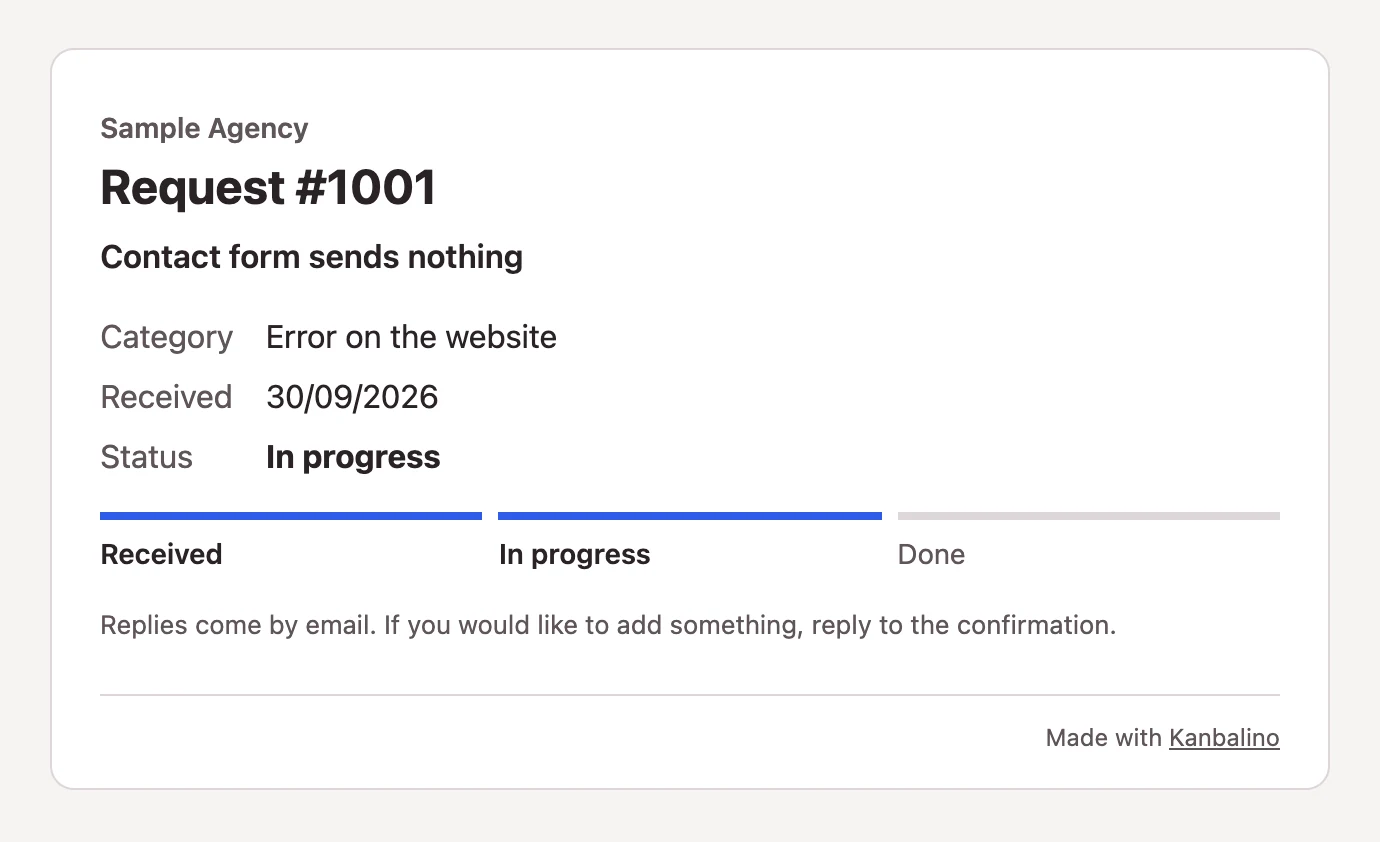
Form or email, with no account for your customers. Every request gets a number and a page that shows its status.
Learn more
The sender becomes a contact together with their company. Requests for a quotation go straight to Sales via their category.
Learn more
What the team discusses internally about a request is on the card as a note. The customer sees none of it.
Learn more
Tickets / requests is part of Premium and costs nothing extra there. The add-on is not included in the free plan or with Campus. The contacts it builds on cost nothing in any plan.
Premium starts at €4.95 per person and month, billed yearly, including VAT. Your customers need no account and never count as a seat.
No. They fill in the form or write to the board’s address. They see the status of their request via the link in the confirmation.
Yes. A short piece of HTML code places it in any page with an encrypted address (https); for WordPress there is the plugin “Kanbalino Tickets”. The form then appears in a frame, with your accent colour, but not in the font of your website.
No. Only your team sees comments on the card. The customer gets what you write to them in the “Messages” tab, and the status page.
Yes, with boards of their own: one per category, or for large customers a separate board with its own address. We do not recommend inviting customers as guests to a shared board, because a guest sees all the cards of the board.
No. Kanbalino does not measure response times, there are no agreements on them and no portal with a sign-in. Your customers see only the status page of their request.
Forms are checked by mosparo, on a server in Germany and without cookies. With emails, a sender counts only if the receiving mail server confirms their authenticity, and out-of-office notices, newsletters and emails marked by the spam filter do not become a request.
On our own server in Germany, in a data centre in Nuremberg, including your customers’ requests and contacts. Your team’s sign-in can be secured with a second factor.
Create an account, switch on the Tickets / requests add-on with Premium, create a form and put the link on your website.