Add-on

Ticketing system: every request a card

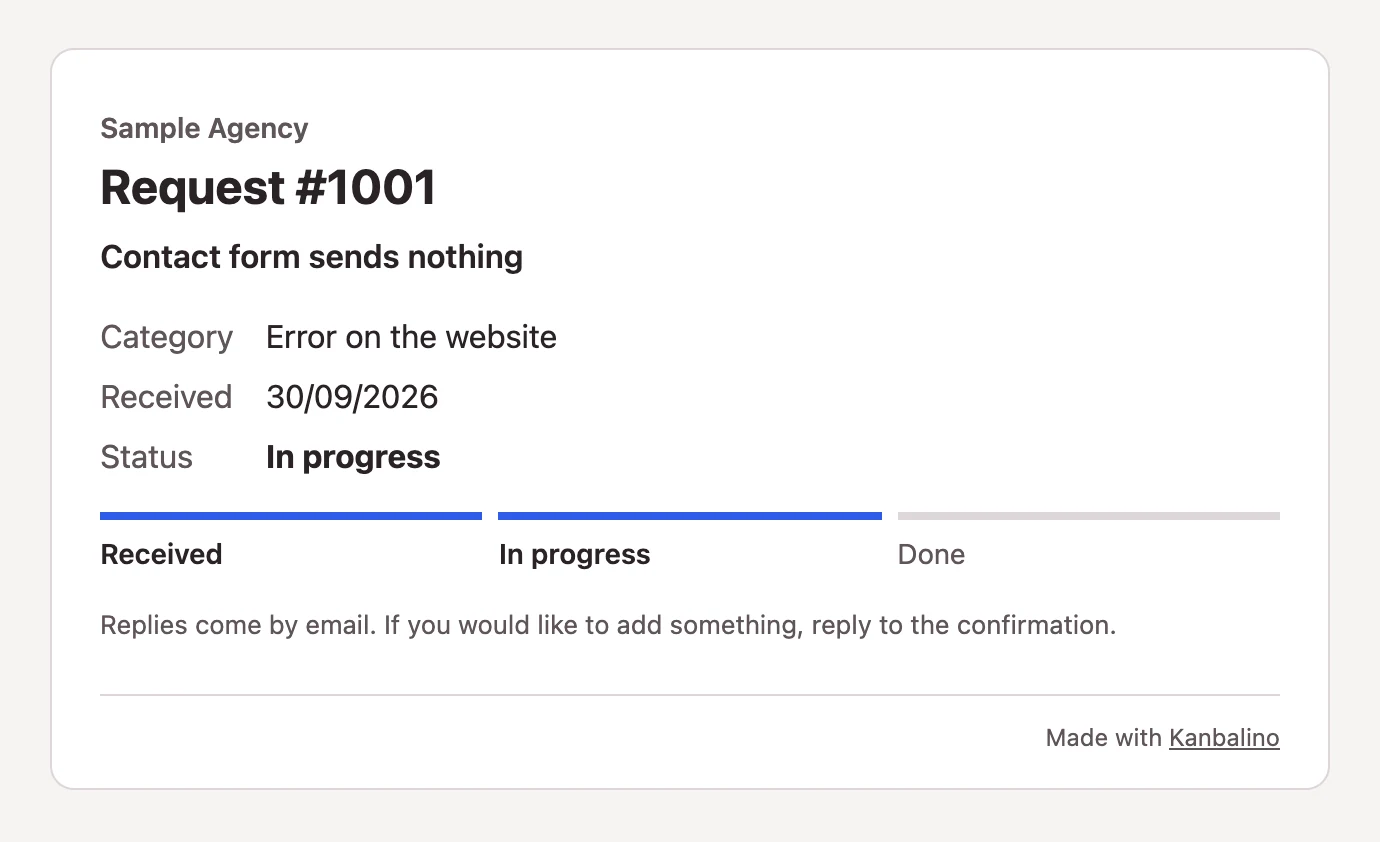
Your customers, tenants or members send you a request via a form or by email, without an account of their own. Each one becomes a card with a number, the sender becomes a contact, and they can see at any time how far their request has got.

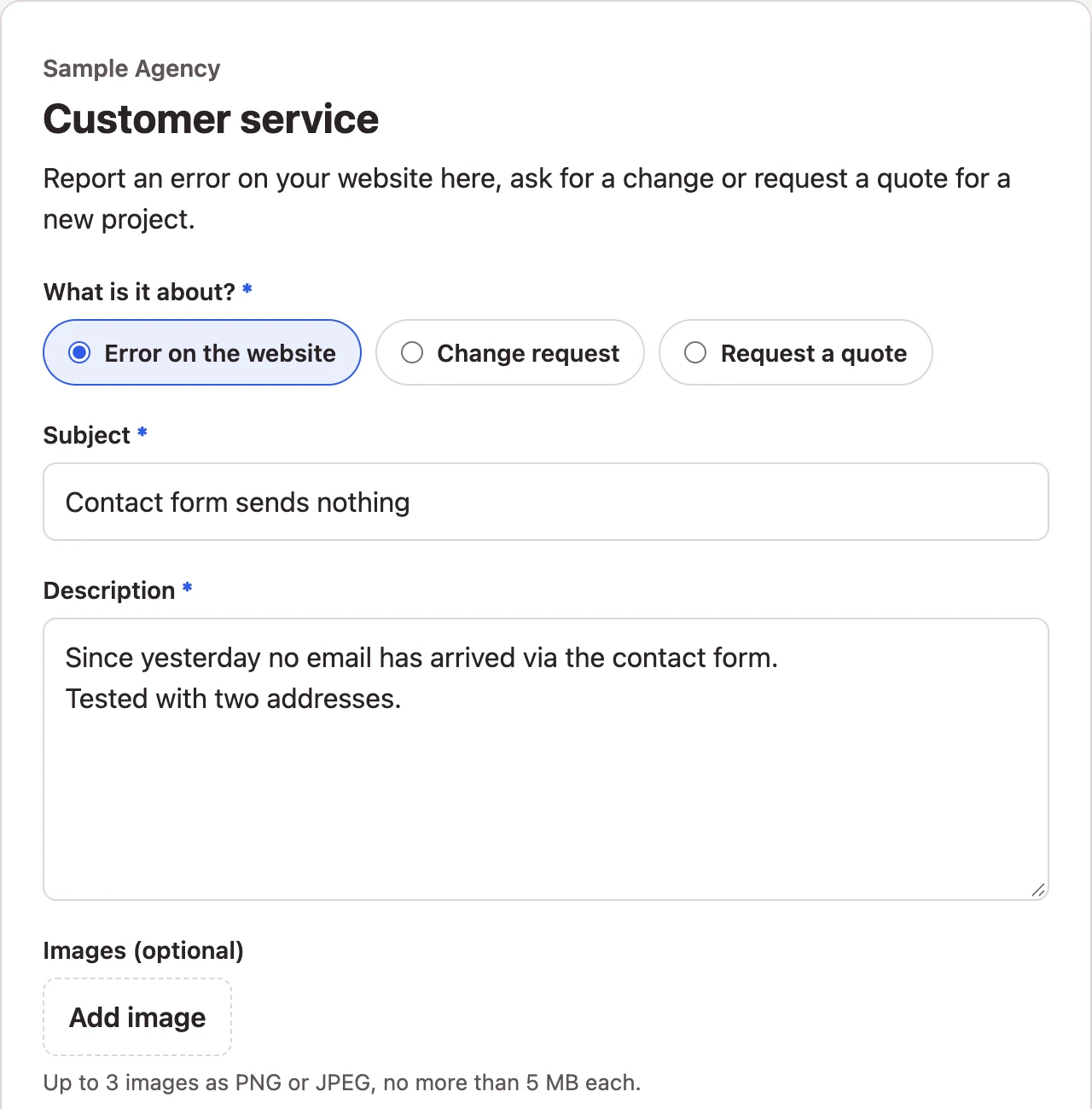
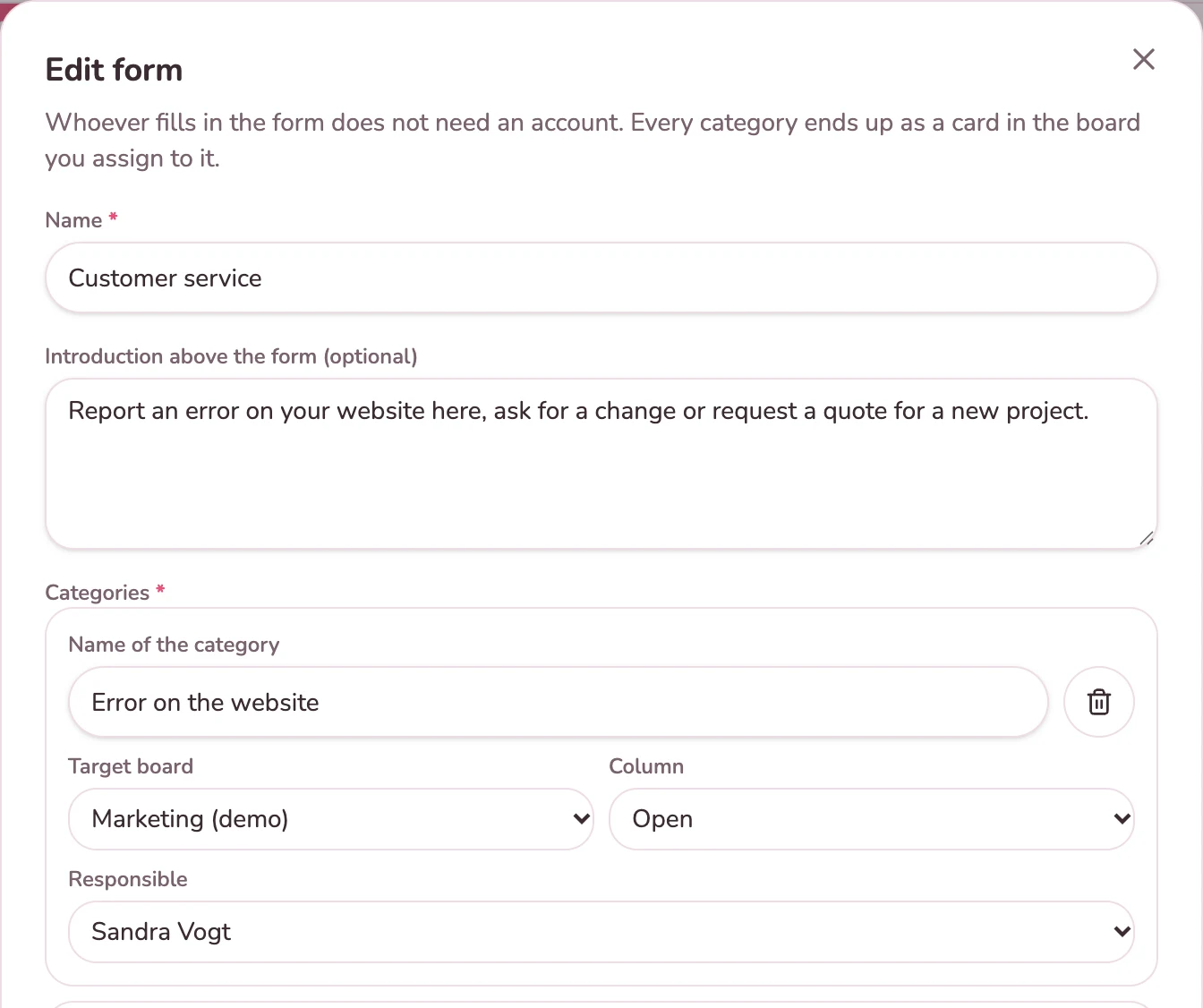
Public form with category, subject and description

How it works today

Requests arrive by email in various mailboxes, by phone and via the contact form on the website, which again only sends an email. Who takes care of it is settled by a shout across the office, and after a week the customer asks for the second time.

A separate ticketing system solves that, but it costs another subscription, and the work itself still ends up in a different tool afterwards.

What is different here

The path of a request

Five steps, one board

Create a form

Categories with target board, column and responsible person.

Pass it on

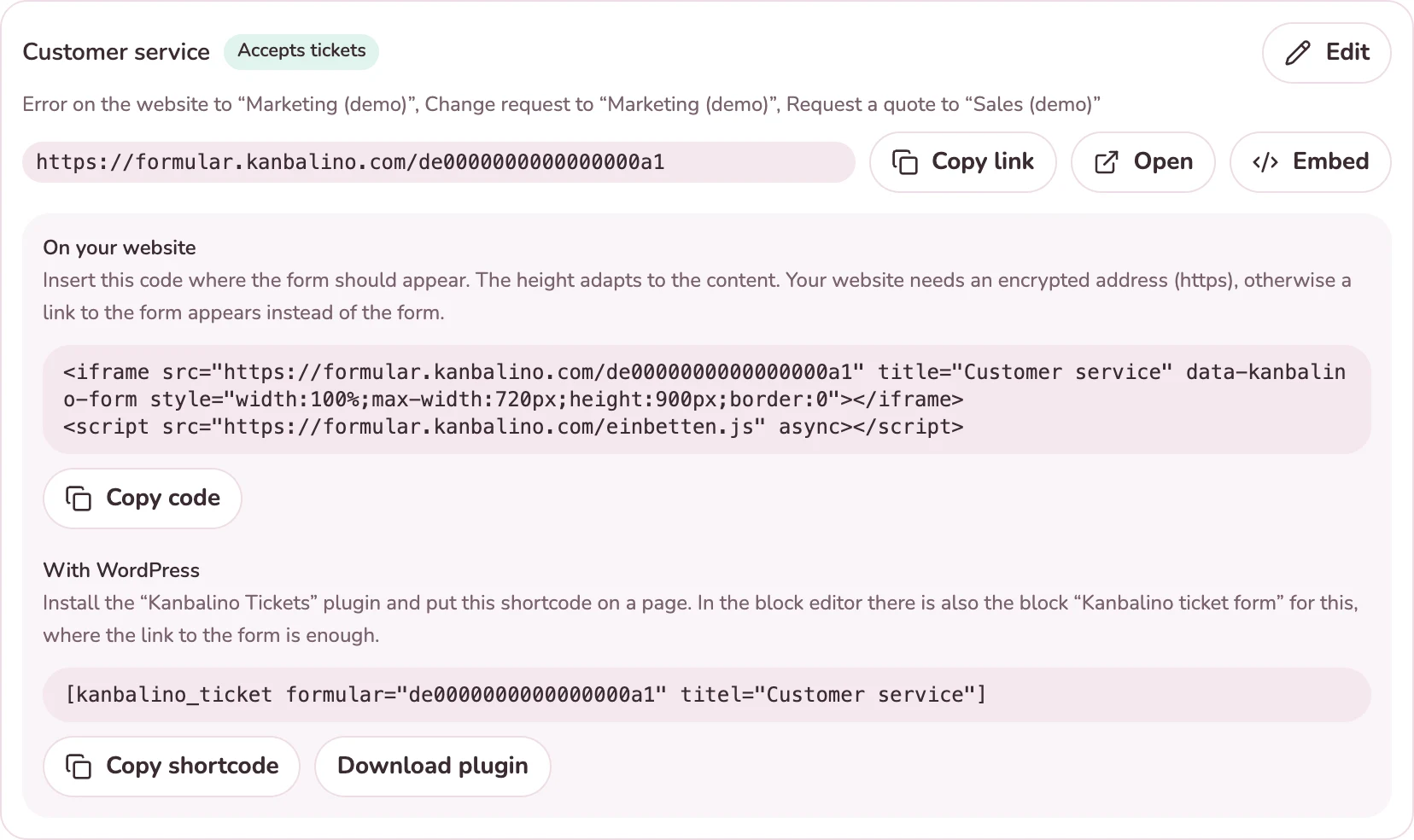
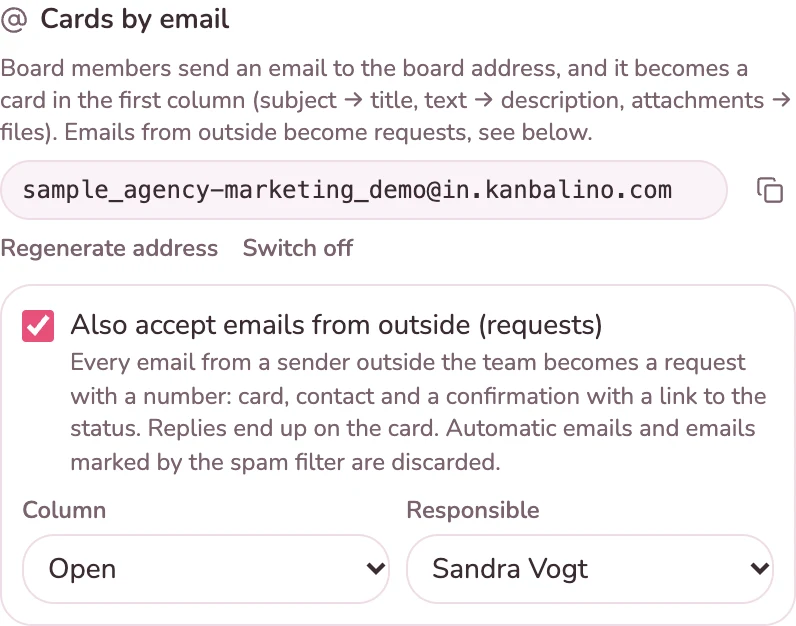
As a link, embedded in your website or as the address of a board.

A request arrives

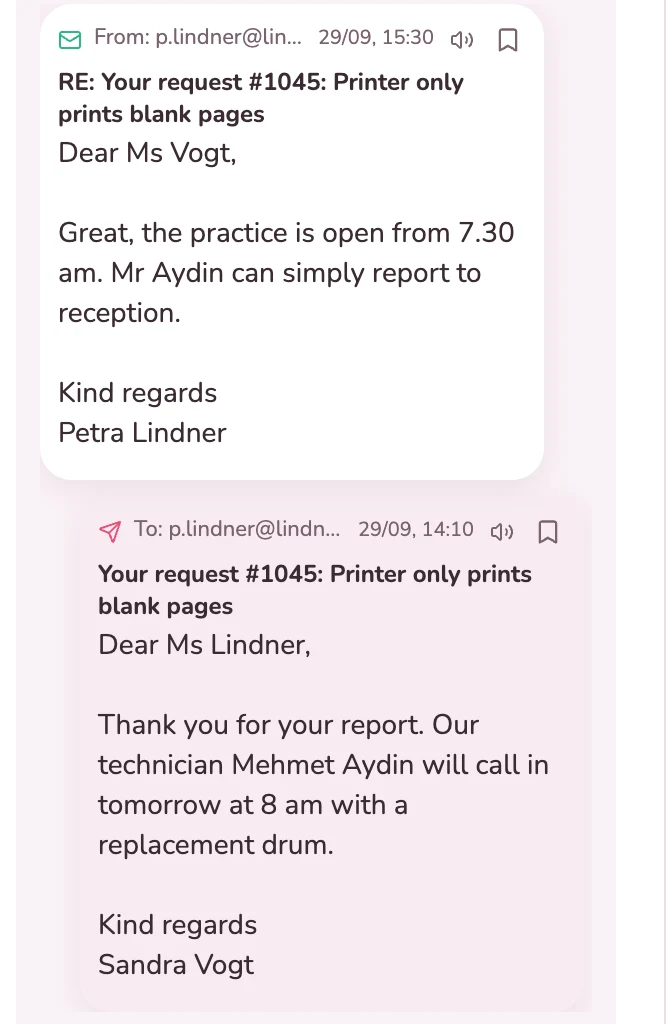
A card with a number, a contact and a bell notification. The sender receives a confirmation.

Reply

By email from the card. The customer’s reply comes back there.

Done

The card moves to the last column, and the status page shows “Done”.

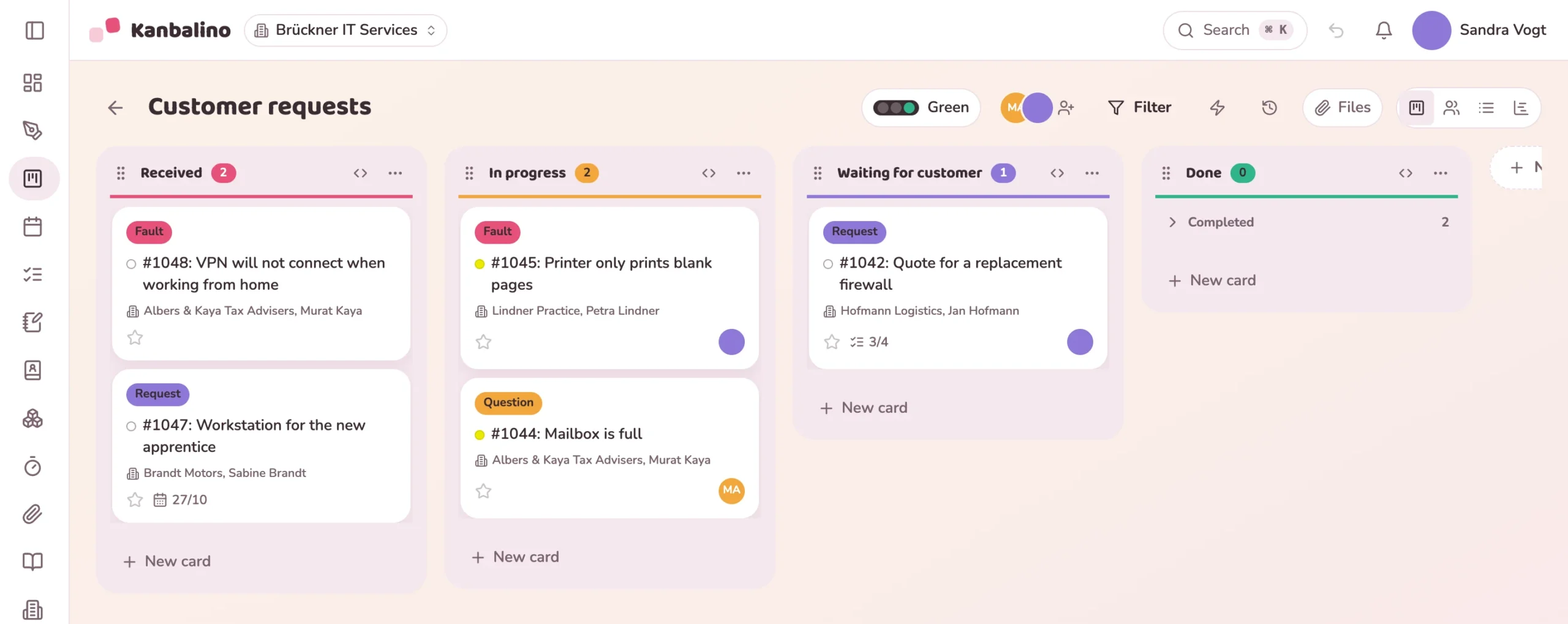
Customer requests board of an IT service provider with requests in the columns Received, In progress, Waiting for customer and Done
In detail

Three ways in, one place for the work

Form and board address can be combined as you like. After that a request is a card like any other, with comments, time tracking and automation.

Price

With Premium, at no extra charge

The add-on is part of Premium, and there is no extra charge. The free plan and Campus do not include it. You pay nothing in any plan for the contacts it uses.

Frequently asked questions

Questions about Tickets / requests

No. Anyone who fills in the form or writes to the address of a board needs neither an account nor an app. They see the status of their request via the link in the confirmation.

Tickets / requests is part of Premium and costs nothing extra there. It is not included in the free plan or with Campus. See the prices

In part. You choose the accent colour for the button and categories, the introduction, the thank-you text and which fields appear. However, the form comes with its own panel and does not take on any font from your website, because it runs on formular.kanbalino.com and appears on your page in a frame.

On every website with an encrypted address (https). On pages without https, browsers do not display the frame; a link that opens the form in a new window appears there instead.

In Kanbalino itself, under Administration, Add-ons, Tickets / requests, Embed. It is not listed on wordpress.org. You install new versions by uploading them again.

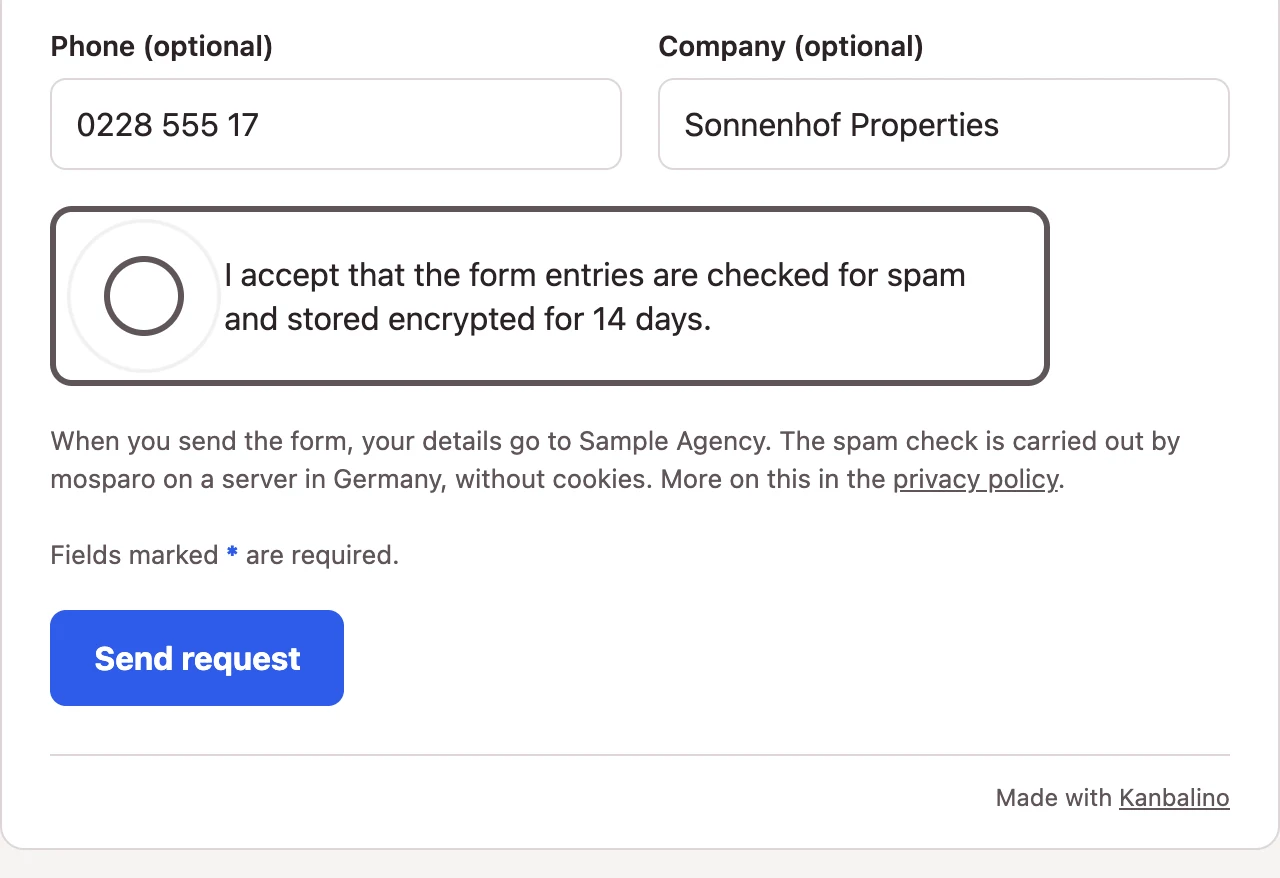
Forms are checked by mosparo, on a server in Germany and without cookies. For emails, Kanbalino accepts only senders whose authenticity the receiving mail server confirms, and no automatic emails such as out-of-office replies or newsletters. On top of that there are fixed limits per form, board and sender.

No. An email always lands in the board whose address it carries, in the column and with the person you have set there. If you want to separate by topic, give each topic its own board or use the form.

No. Kanbalino does not measure response times, and your customers see only the status page of their request, without signing in and without a list of all requests. There is no knowledge base. A request is a card like any other.

Via the form, up to three images as PNG or JPEG, 5 MB each at most. On an email, up to five attachments, 25 MB each at most. Everything counts towards the storage of your workspace.

The first request in a few minutes

Create an account, switch on the add-on with Premium, create a form and pass on the link.