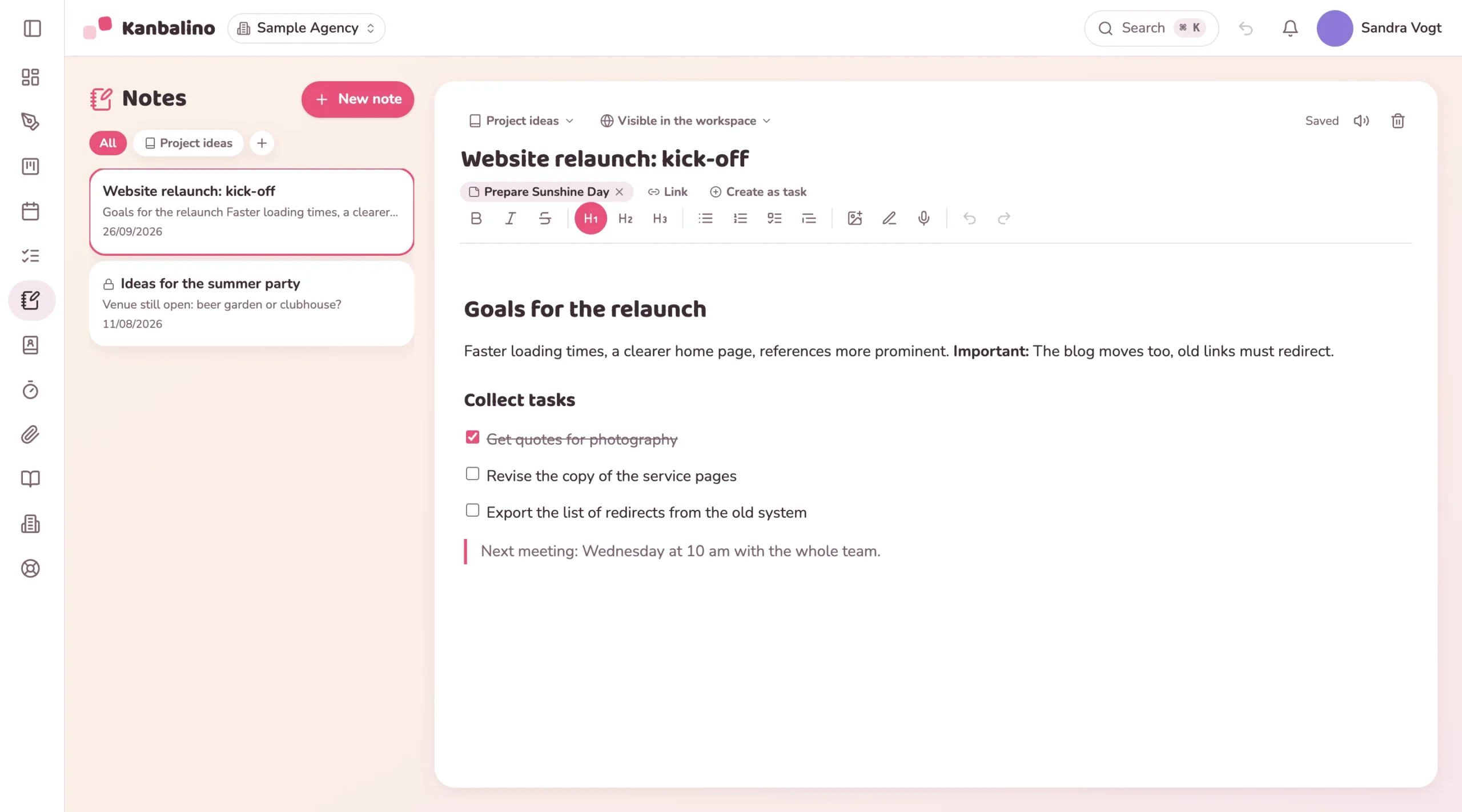
Thinking comes before the task. It ends up on slips of paper, in documents and in photos that nobody can find again when they need them.
How Kanbalino solves it
Kanbalino comes with a fully fledged notes area. You write with headings, lists and checklists you can tick off, insert images by dragging them in and organise everything in notebooks. One click turns a note into a task, and bullet lists also become a checklist.
In comparison
Why Kanbalino does this better
Hand sketches with real pressure sensitivity, plus shapes, arrows and text.
Draw on photos, for example to mark a defect on a building site photo. The original is kept.
Voice notes are converted to text on our own server, and the recording is never stored.
Notes are private until you make them visible to the team.
Two-way link: the note knows the card, the card knows the note.
Frequently asked questions
Frequently asked questions about notes
Are notes private?
Yes, until you share them. The default is “Private, only me”. The team can read a note that is visible in the workspace, but only its author may ever edit it.
How does a note become a task?
With “Create as task”: the title becomes the name of the card, the content becomes the description, and bullet lists also become a checklist.
Where is a voice note converted to text?
On our own server; a third-party service is not involved. A recording lasts up to five minutes. The application does not store it; only the recognised text ends up in the note.
Can I draw on photos?
Yes, with pen, arrow, shapes and text, for example to mark a defect on a building site photo. The original is kept.
Do I have to save?
No. Kanbalino saves by itself shortly after your last input.