
For exhibition stand construction, event organisers and wedding planning: deadlines, dependencies and service providers in one place. Who is waiting for what is on the task.
weeks before set-up begins, the plans for stands requiring approval must have reached Messe Frankfurt.
weeks before the date is when the town of Weinstadt, for example, wants an event to have been registered.
weeks apply there for more than 1,000 guests outdoors, with a safety plan.
service providers: that is how many couples in the USA worked with on average for their wedding in 2024.
Sources: Messe Frankfurt, Factsheet Standbaugenehmigung 2026 (fact sheet on stand construction approval, in German); Stadt Weinstadt (town of Weinstadt), Veranstaltung anmelden (registering an event, in German); The Knot, Real Weddings 2025 Vendor Report, 16,956 couples surveyed.
Dates are in spreadsheets, arrangements with service providers in emails and on the phone. Which deadline depends on which other is known only to whoever has the project in their head.
In the last week someone notices that an approval is missing, and then it is hard to get everything ready before the guests arrive.
You plan backwards from the date of the event. Every deadline becomes a card with a start and a due date.
You enter on the card what is waiting for what. A card that is still waiting cannot be completed.
Structural engineer, stand builder or client as guests, free of charge. They write on the card and attach files.
The team ticks off the checklist on their phones. The office sees the status without calling.
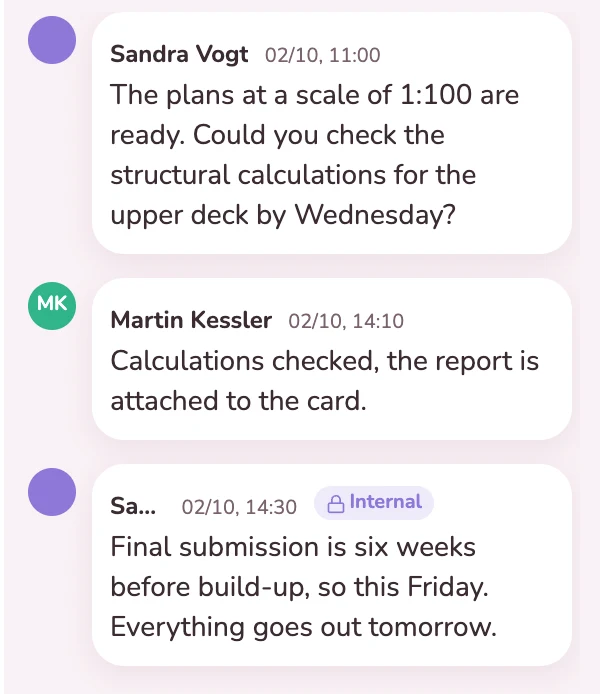
The plans at a scale of 1:100 are finished, and the structural engineer checks the upper floor. He replies on the card and attaches his report. That the deadline ends this Friday is noted alongside as an internal note, which the structural engineer does not see. This keeps the whole discussion in one place, including for whoever stands in for you.
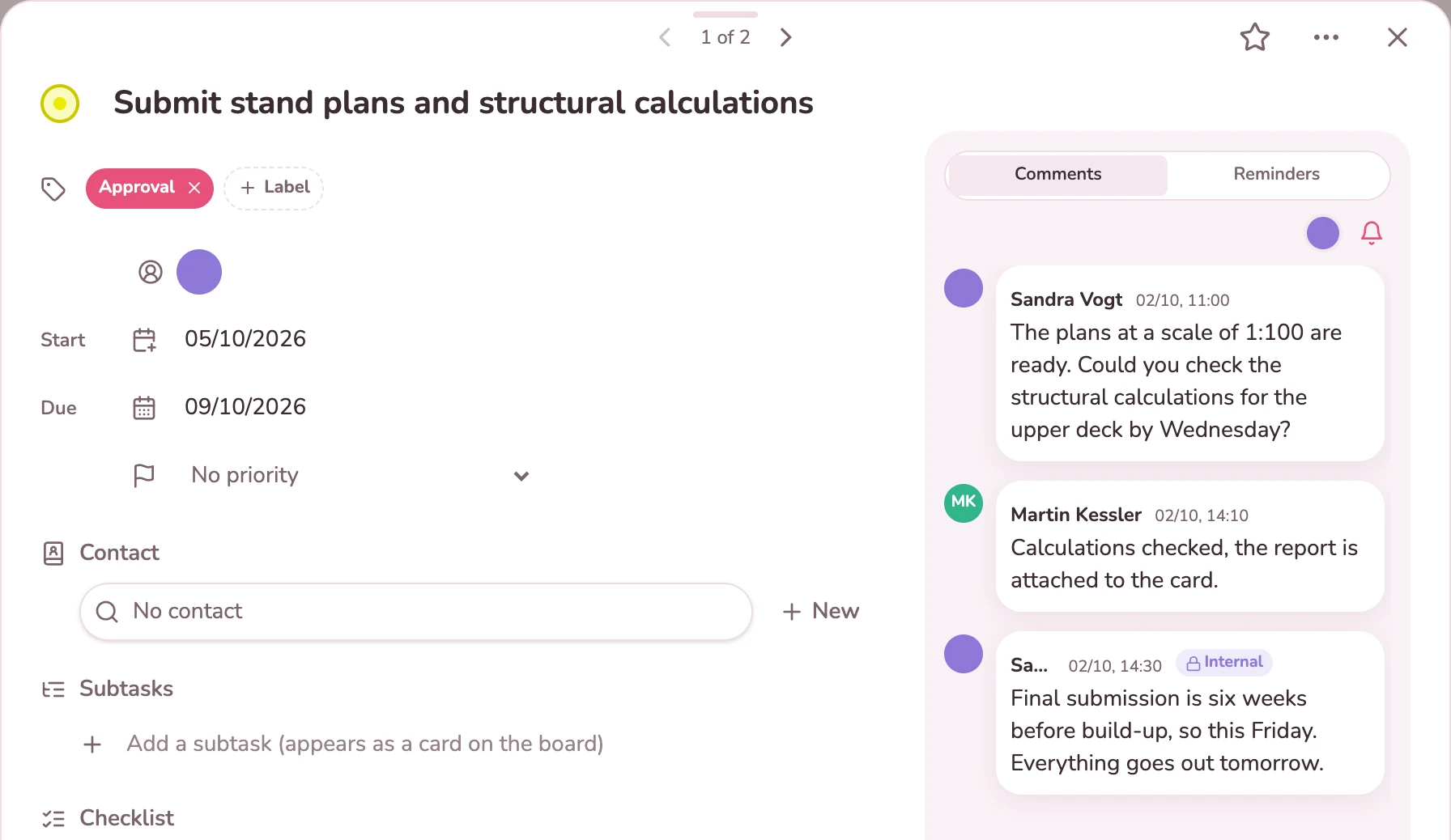
Set-up at the exhibition grounds is a card with a checklist: delivery, stand construction team, electricity and water, structural inspection. As long as the approval from the trade fair is missing, the card shows what it is waiting for and cannot be completed as done.
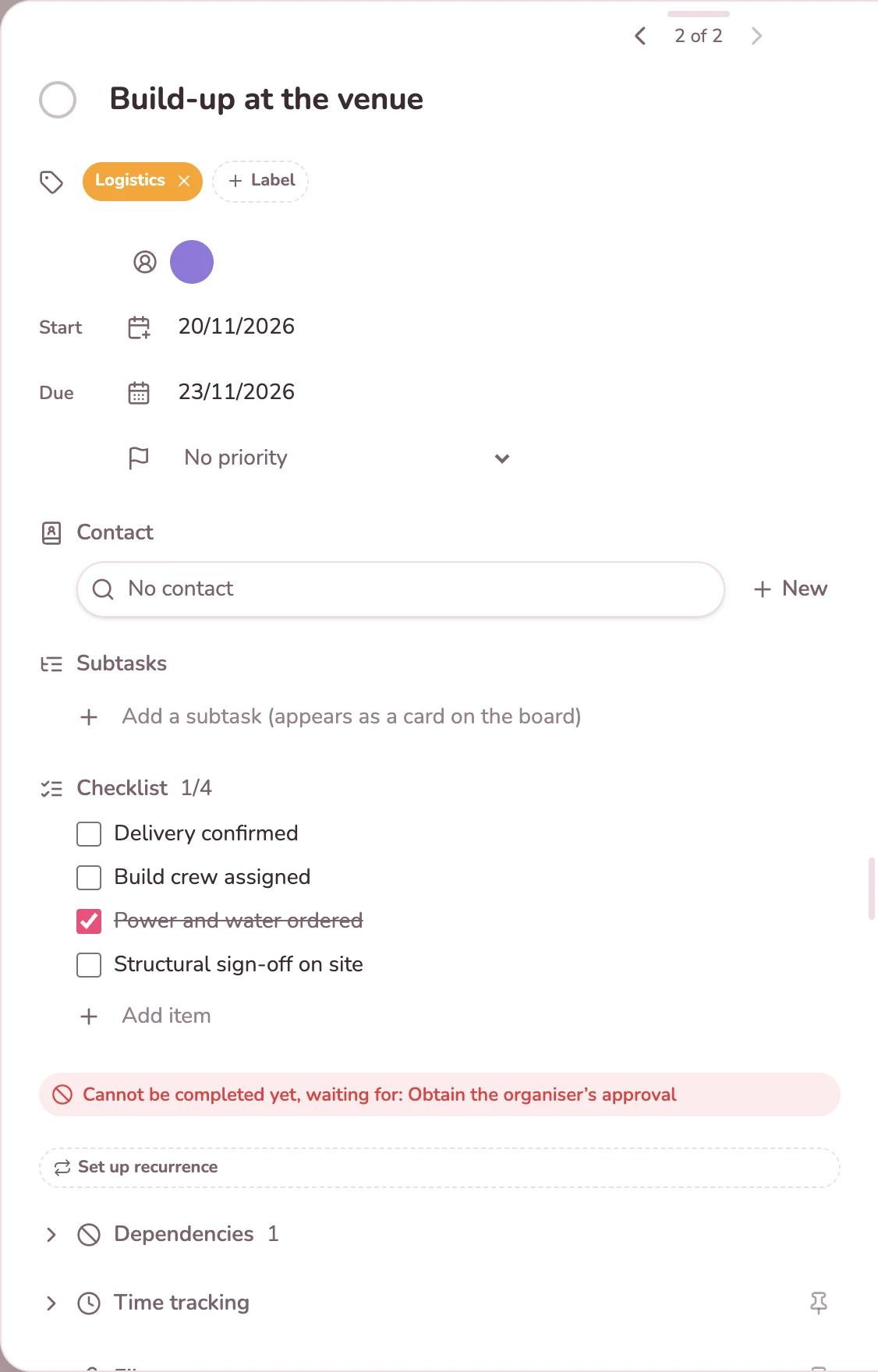
The timeline shows every task as a bar from start to due date, by weeks or months. The lines show what depends on what. If a task starts before what it is waiting for is finished, the line turns red. You move a date by dragging.
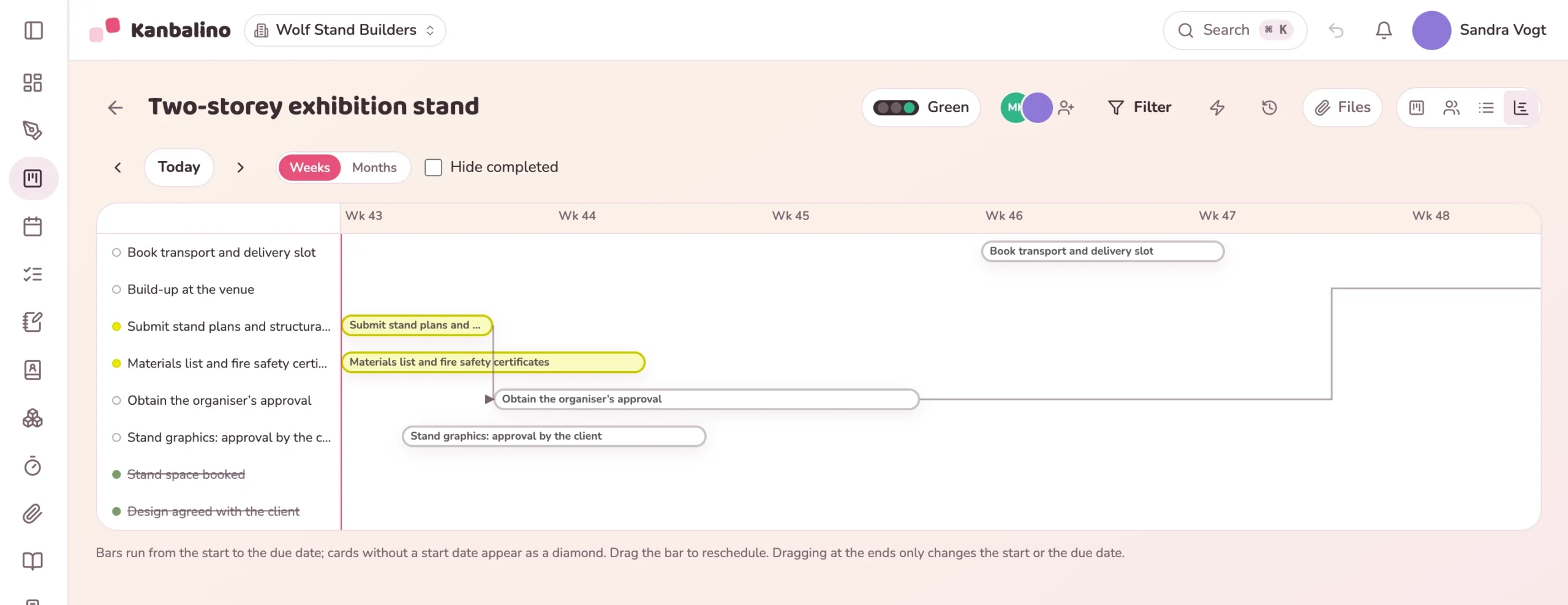
In the timeline the tasks hang together, from the drawings through the approval to the set-up. The calendar shows the dates for each month.
Learn more
Service providers and clients join the board of the event as guests. If someone should see only one task, you share exactly that card.
Learn more
First draft the course of the event on the canvas, with arrows for the sequence. The board is created from that.
Learn more
Up to five people and three events use Kanbalino at no cost and with no trial period that runs out. Service providers and clients take part as guests and never pay anything, in any plan.
If you organise more than three events at once or with more than five people, Premium starts at €4.95 per person and month, billed yearly, including VAT.
No, you set the dates yourself. If the event moves, you drag the bars in the timeline to the new days. Dependent tasks do not move along, but a red line shows where things no longer fit.
No, dates have a day but no time of day. You attach the minute-by-minute running order for the day of the event to the card as a file.
No. A guest sees the whole board they are invited to, but no other boards. What they should not read, you write as an internal note. If someone should see only a part, that part gets a board of its own.
No, tasks can only be assigned to your team. Guests read, comment, attach files and tick off checklists if you allow this in the board settings. If you mention a guest with @, they get an email.
Yes, with Premium or Campus. Save the board of your last event as a template: columns, labels and tasks with their checklists come along, completed tasks are open again on the new board, and you set the dates afresh. Without Premium you start with the built-in “Event” template.
No. As software for organising events, Kanbalino is the place for tasks, deadlines and coordination with those involved. You continue to keep the budget, the guests’ replies and the seating plan separately.
No, Kanbalino needs an internet connection at the venue as well. On your phone it runs in the browser and can be added to the home screen like an app. There is no dedicated app for iOS and Android yet.
On our own server in Germany, in a data centre in Nuremberg. Drawings and contracts attached to the cards are stored there too. Sign-in can be secured with a second factor for your team.
Create an account, set up a board for the event, enter the first deadlines. No credit card and no trial period that runs out.