
Open quotes, price lists and presentations right on the task and edit them in the browser, on your phone too. New documents take a single click.
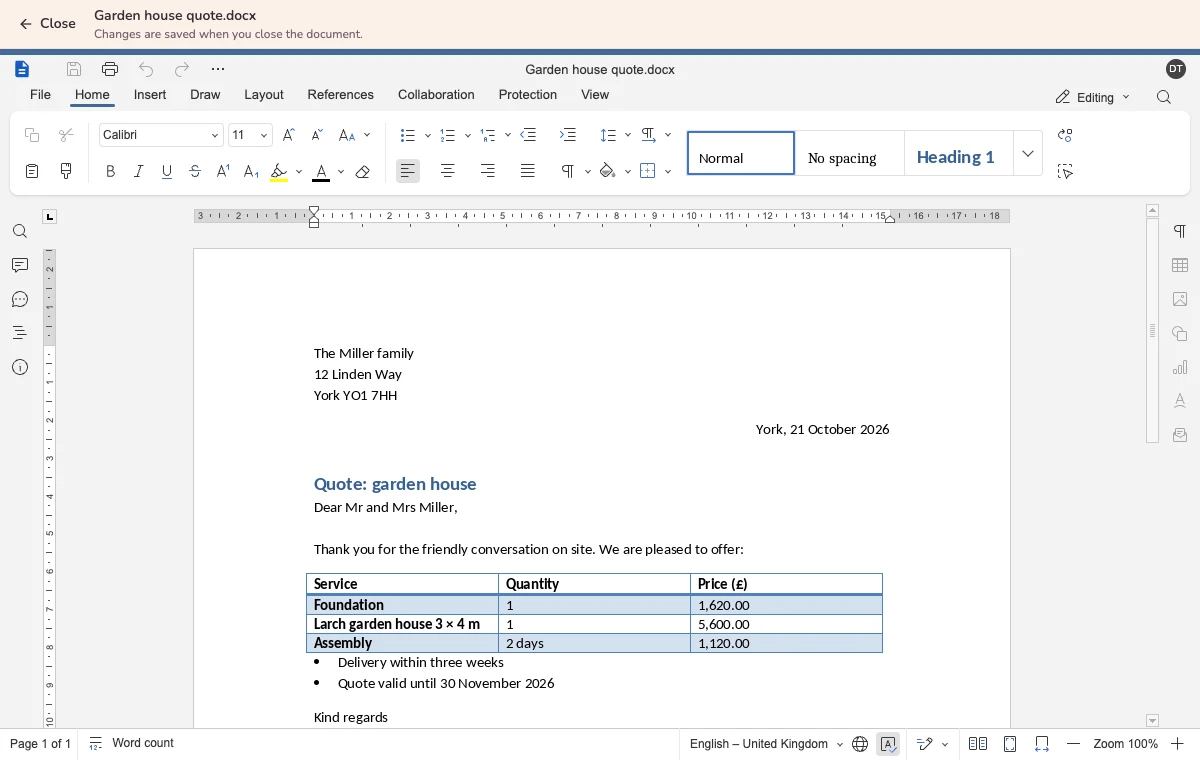
The file is attached to the task, but you cannot change it there. So it gets downloaded, edited and uploaded again. Afterwards three versions are lying around, and nobody knows which one counts.
In Kanbalino a click on a Word, Excel or PowerPoint file opens it directly in the browser. You write, calculate and design as usual, with tables, formulas and slides. When you close it, Kanbalino saves the new version in the same place. You create new documents with “+ Document”: on the card, in the files of a board or in the library.
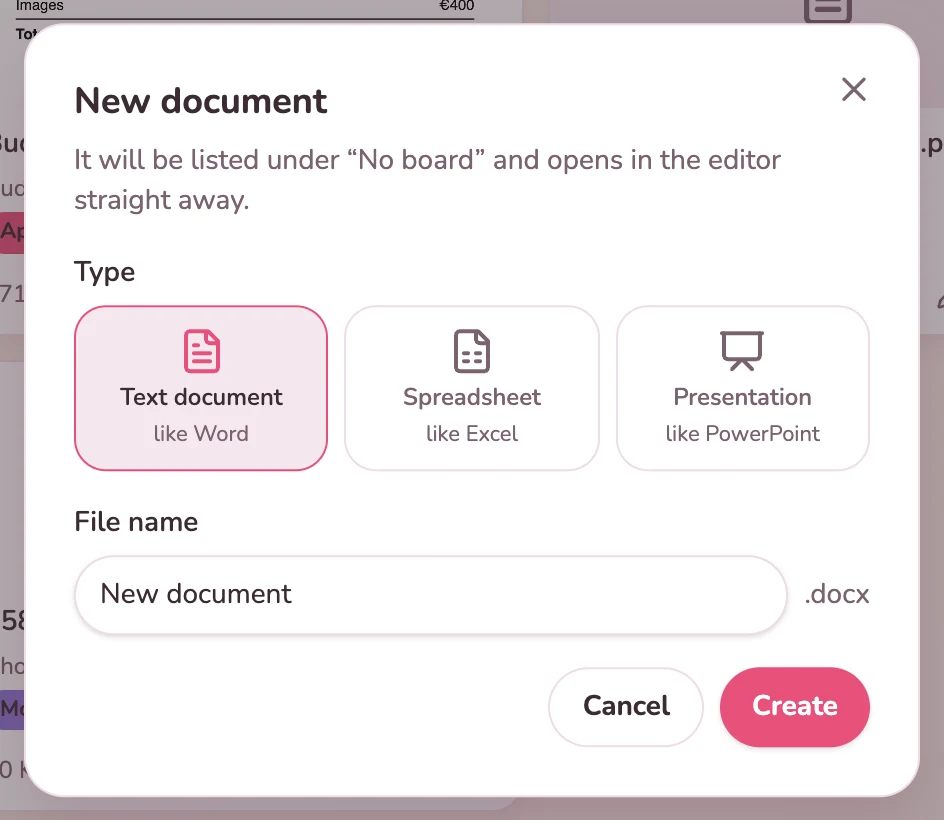
A click on “+ Document” opens a small window. You choose the type, enter a name, and the document opens in the editor.
No. The editor runs in the browser, on Kanbalino’s own server. You need neither an Office package nor a Microsoft account for it.
Word (.docx), Excel (.xlsx) and PowerPoint (.pptx) up to 50 MB. Older formats such as .doc, .xls and .ppt, OpenDocument files and CSV open for viewing.
With “+ Document” on the card, in the files of a board or in the library. You choose Text document, Spreadsheet or Presentation, enter a name, and the document opens straight away.
When you close it. After a few seconds the new version is in the same place, marked “edited” and with an entry in the card’s activity.
No. Guests such as customers or clients open Office files for viewing only. The team of the board may edit them.
Yes. The editor also opens in your phone’s browser, and you can read and make changes there.
No. Word, Excel and PowerPoint in the browser come with every plan, including the free one. The files count towards storage like all attachments.
The concept and the presentation for the client are created on the card and edited there. As a guest, the client always sees the current version.
View
You create the snag list and the materials list on the site’s card and add to them on the move from your phone.
View
You edit the brief and the list of deadlines in the browser on the matter’s card, without copies on your computer.
View
Create an account, add a document to your first card and start writing. No credit card and no trial period that runs out.